
What Is Rexing? A Complete Guide to Its Dash Cams and Accessories

Discover everything about Rexing, a popular brand known for its advanced dash cams and reliable car accessories. In this guide, “What Is Rexing? A Complete Guide to Its Dash Cams and Accessories,” you’ll learn how Rexing dash cams work, their key features like 4K recording, GPS tracking, loop recording, and parking mode, along with essential accessories that enhance performance. Whether you’re a daily commuter or a road trip lover, this post helps you understand why Rexing is a smart choice for vehicle safety and video recording.
Table of Contents
Introduction to Rexing
In today’s world, road safety is no longer just about seatbelts and airbags—it’s also about having digital evidence when things go wrong. This is where dash cams come into play, and one brand that often shows up in conversations is Rexing. The brand has built a reputation for offering affordable yet feature-packed dash cams designed for everyday drivers. Whether you’re commuting to work or going on long road trips, Rexing aims to capture every moment on the road clearly and reliably.
Rexing has become especially popular among drivers who want advanced features like 4K recording, GPS tracking, and parking surveillance without paying premium-level prices. Many users choose it as a balance between affordability and performance. However, like any tech brand, it comes with both strengths and limitations that are worth understanding before buying.
In this guide, we’ll break down everything about Rexing—from its dash cams and features to its accessories and real-world usability. By the end, you’ll have a clear picture of whether Rexing is the right choice for your vehicle setup.
What Exactly Is Rexing?
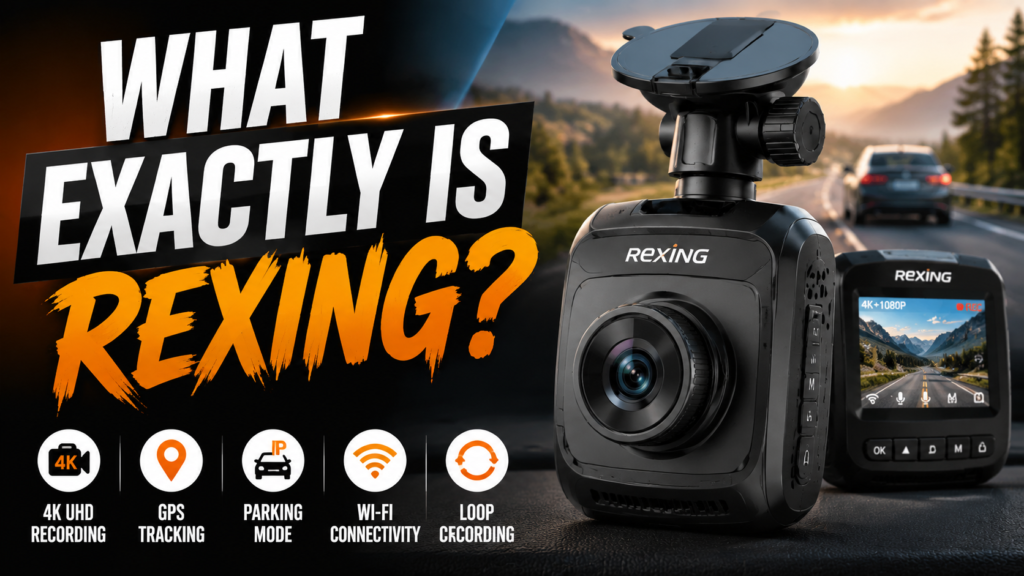

Rexing is a consumer electronics brand best known for manufacturing dash cams and vehicle monitoring devices. The company focuses on creating compact in-car recording systems that help drivers capture road incidents, parking activity, and driving behavior. Their products are widely used in personal vehicles, taxis, fleet cars, and rideshare services.
At its core, Rexing is built around the idea of making road recording simple and accessible. Their dash cams typically include automatic recording, loop recording, and wide-angle lenses. According to Rexing’s own product documentation, most of their cameras are designed to start recording automatically when the vehicle is turned on, ensuring no manual effort is needed from the driver .
The brand also offers multiple product categories beyond dash cams, including accessories like SD cards, mounts, and GPS modules. This makes it a more complete ecosystem rather than just a standalone camera brand.
Rexing Dash Cams Overview
Rexing offers a wide range of dash cams designed for different budgets and needs. Some are basic models that focus purely on recording, while others come with advanced features like Wi-Fi connectivity and multi-channel recording.
Entry-Level Dash Cams
Entry-level Rexing models are ideal for users who simply want basic video recording. These cameras usually come with Full HD recording, loop recording, and wide-angle lenses. They are easy to install and often plug directly into the car’s power socket. The goal of these models is straightforward—record everything without complexity.
Advanced 4K Dash Cams
On the other end of the spectrum, Rexing also offers high-end 4K dash cams that deliver sharper and more detailed footage. These models often include features like dual-channel recording, GPS logging, and mobile app integration. For example, some Rexing devices support ultra-HD 4K resolution with built-in Wi-Fi and multi-camera setups for front, rear, and cabin recordin.
Key Features of Rexing Dash Cams
Rexing dash cams come packed with features that make them practical for everyday driving. These features are designed to work automatically so drivers can focus on the road.
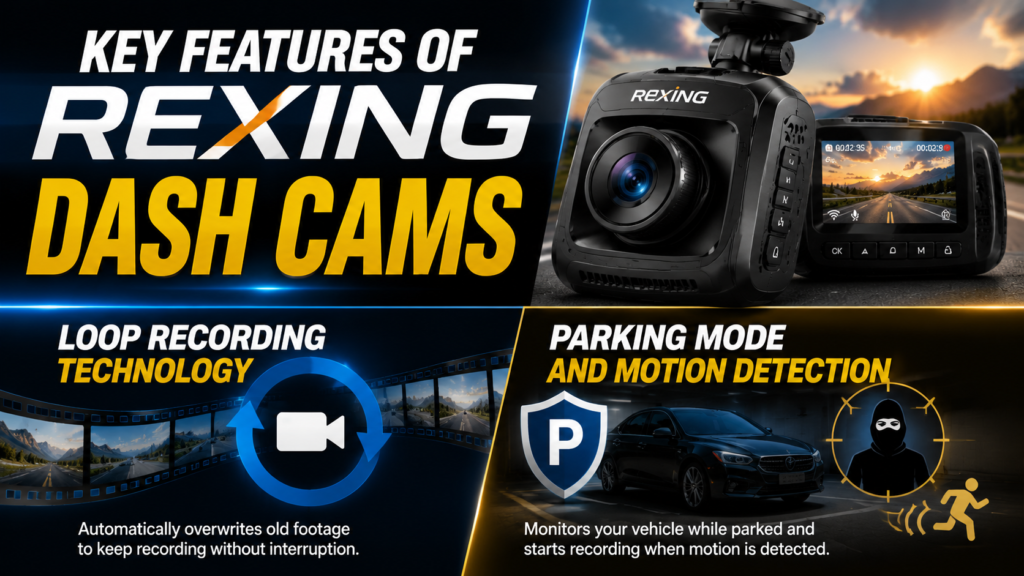
Loop Recording Technology
Loop recording ensures that your dash cam never runs out of storage. When the memory card is full, the camera automatically overwrites the oldest files. However, important clips can be locked so they are not deleted. This feature is essential for continuous driving without interruptions.
Parking Mode and Motion Detection
Parking mode is one of the most useful features in Rexing dash cams. When your vehicle is parked, the camera enters a low-power state and activates recording if it detects motion or impact. This helps capture incidents like scratches, bumps, or theft attempts when you are not around.
Rexing Video Quality and Performance
Video quality is one of the biggest deciding factors when choosing a dash cam. Rexing offers both Full HD and 4K recording options depending on the model.
1080p vs 4K Recording Differences
1080p models are suitable for basic recording needs, such as daily commuting. They provide decent clarity for identifying vehicles and road signs. However, 4K models take things to another level by offering much sharper detail, which can be crucial for insurance claims or legal evidence. Higher resolution also improves night visibility and reduces blur in fast-moving scenes.
Rexing Accessories Explained
Rexing doesn’t just sell dash cams—it also provides a full range of accessories that enhance performance and usability.
MicroSD Cards and Storage Solutions
Rexing recommends using high-speed microSD cards (Class 10 or UHS-1 and above) for smooth recording. These cards are designed to handle continuous writing without corruption or lag. Storage capacity typically ranges from 32GB to 256GB depending on the model.
Mounts, Chargers, and Hardwire Kits
Accessories like suction mounts, adhesive mounts, and hardwire kits play a major role in installation. Hardwire kits are especially important for enabling parking mode since they allow the camera to receive constant power even when the engine is off. Chargers and fuse tap adapters also help integrate the dash cam neatly into your vehicle’s electrical system.
Rexing GPS and Wi-Fi Features
Modern Rexing dash cams often include smart connectivity features that make them more powerful and user-friendly.
GPS Tracking Benefits
GPS-enabled Rexing cameras can record speed, route, and location data. This information is extremely useful in case of accidents or disputes, as it provides a complete driving history. It can also be viewed through playback software integrated with mapping tools.
Mobile App Connectivity
With built-in Wi-Fi, users can connect their dash cam to a smartphone app. This allows quick access to recorded videos, live viewing, and easy file sharing. It eliminates the need to remove the SD card every time you want to check footage.
Pros and Cons of Rexing Dash Cams
Advantages
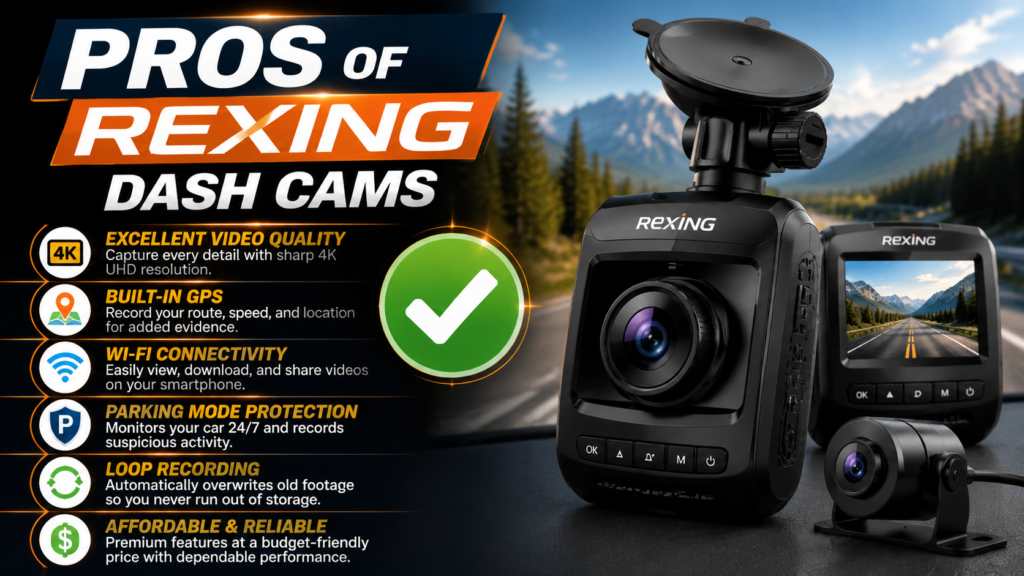
Rexing offers several benefits that make it appealing to everyday drivers. It provides affordable pricing, decent video quality, and easy installation. Features like GPS, Wi-Fi, and parking mode add extra value for safety-conscious users.
Limitations
However, Rexing also has some drawbacks. Lower-end models may have inconsistent software performance, and some users report issues with SD card reliability or app stability. Customer support experiences may also vary depending on region and product model.
Installation and Setup Guide
Installing a Rexing dash cam is generally simple and does not require advanced technical skills.
Easy Plug-and-Play Setup
Most users can install Rexing dash cams by simply attaching the camera to the windshield and plugging it into the car’s power socket. Once the vehicle starts, the camera automatically begins recording.
Hardwiring for Parking Mode
For advanced features like parking surveillance, a hardwire kit is required. This setup connects the dash cam directly to the car’s fuse box, ensuring continuous power even when the engine is off. It also allows motion detection and impact recording while parked.
Rexing Product Range Comparison
Rexing offers different models depending on how many cameras you want to use.
Single vs Dual Channel Dash Cams
Single-channel cameras record only the front view, while dual-channel systems record both front and rear views simultaneously. Some advanced Rexing models even support cabin or side camera modules for full 360-degree coverage.
Also Read
Vevor Kitchen Setup Ideas: Build a Smart Cooking Space in 2026
Is LiveWebinar INT Worth It? A Complete Guide for Online Webinar Hosting
Nick’s Ice Creams Nutrition Facts: Calories, Ingredients, and Health Review
MENSITALY Review 2026: Quality, Style, and Customer Experience
The Ultimate Olaplex Guide: Products, Benefits, and Best Practices
Rexing vs Other Dash Cam Brands
When comparing Rexing with other dash cam brands like Garmin, Thinkware, or Vantrue, one thing becomes clear—Rexing focuses on delivering affordable performance with premium features. While high-end brands may offer slightly better software optimization or cloud storage, Rexing competes strongly in terms of video resolution, ease of installation, and feature availability at a lower price point.
For example, many Rexing models include 4K recording, GPS tracking, and parking mode, which are often found in more expensive competitors. However, some premium brands may offer better mobile app stability or advanced driver assistance systems. This makes Rexing a solid middle-ground choice for everyday drivers who want value without overspending.
Who Should Use Rexing Dash Cams?
Rexing dash cams are not just for tech enthusiasts—they are designed for everyday drivers who value safety and evidence recording. If you are a commuter driving in heavy traffic, a rideshare driver working with Uber or Lyft, or someone who frequently travels long distances, Rexing can be extremely useful.
It is also a smart option for new drivers who want extra confidence on the road. In case of accidents, disputes, or insurance claims, having clear video evidence can make a huge difference. Rexing helps provide that peace of mind with automatic recording and reliable storage features.
Common Problems and Troubleshooting Rexing Dash Cams
Even though Rexing dash cams are generally reliable, users may sometimes face small issues. One common problem is memory card errors, which usually happen when a low-quality SD card is used. Always choose a high-speed, Class 10 or UHS-1 card for smooth performance.
Another issue some users report is the device not turning on. In most cases, this is caused by loose power connections or faulty car chargers. Resetting the device or checking the power cable often solves the problem.
App connectivity issues can also occur in Wi-Fi-enabled models. Updating the firmware or reinstalling the Rexing app usually fixes these problems quickly.
Tips to Get the Best Performance from Rexing Dash Cams
To maximize the performance of your Rexing dash cam, it’s important to follow a few simple practices. First, always format your memory card regularly to prevent file corruption and ensure smooth loop recording.
Second, position the camera correctly on your windshield. A clear, centered view of the road ensures better video quality and useful footage during incidents. Avoid placing it too low or too high.
Finally, keep the firmware updated whenever Rexing releases new updates. These updates often improve stability, video quality, and app connectivity.
Conclusion
Rexing has established itself as a well-known name in the dash cam industry by offering feature-rich devices at competitive prices. From basic recording to advanced 4K systems with GPS and Wi-Fi, it provides options for different types of drivers. While it may not be the most premium brand on the market, it delivers solid value for those looking to improve road safety without spending too much.
If you are someone who wants reliable video recording, parking protection, and smart connectivity features, Rexing can be a practical choice. However, understanding the right model and accessories is important to get the best performance out of it.
Frequently Asked Questions
Yes, Rexing is known for affordable and feature-rich dash cams suitable for everyday driving needs.
Yes, most models include night vision or WDR technology to improve low-light recording.
Only if you want parking mode or continuous surveillance when the car is off.
With proper use, they can last several years, depending on usage and environmental conditions.
Accessories are not mandatory, but they significantly improve performance, storage, and installation quality.
Table of Contents
Popular Posts

-
 Affordable Technical SEO Audit for Small Business: A Complete Guide26 Jun 2025 Blog
 -
 How to Get an Affordable Technical SEO Audit for Small Business27 Jun 2025 Blog
 -
 Local SEO Audit Checklist for Startups: A Beginner’s Guide28 Jun 2025 Blog
 -
 The Ultimate Local SEO Audit Checklist for Startups28 Jun 2025 Blog
 -
 Top On-Page SEO Audit Steps for Service Websites Every Business Should Know29 Jun 2025 Blog
 -
 The Impact of On-Page SEO Audit Steps for Service Websites on UX01 Jul 2025 Blog
 -
 Technical SEO for WordPress: The Ultimate Beginner’s Guide01 Jul 2025 Blog
 -
 Technical Mobile SEO Audit Tips for Developers02 Jul 2025 Blog
Related Post