


Everything You Need to Know About Miro for Online Collaboration
Discover everything you need to know about Miro, the powerful online collaboration platform that helps teams brainstorm, plan projects, share ideas, and work together from anywhere. Learn about Miro’s key features, benefits, uses, integrations, pricing options, and how it improves teamwork for businesses, remote teams, and creative professionals.
Table of Contents
Introduction to Miro and Online Collaboration
Modern workplaces are changing quickly. Teams are no longer always sitting in the same office, and many companies now depend on remote and hybrid work systems. Because of this change, businesses need better ways to communicate, share ideas, and manage projects together. This is where online collaboration platforms like Miro become valuable. Miro provides a digital workspace where teams can create ideas, organize information, plan projects, and work together visually from anywhere in the world.
Unlike traditional communication tools that focus mainly on messages and documents, Miro creates an interactive environment. It works like a large digital whiteboard where users can add notes, diagrams, images, charts, and project plans. Whether a team is designing a product, creating a marketing strategy, teaching students, or managing a business project, Miro helps people bring their ideas together in one place.
The popularity of visual collaboration tools has increased because people understand information faster through images, diagrams, and organized layouts. Miro combines creativity with productivity, allowing teams to move from simple ideas to complete plans without switching between many different applications.
What is Miro?
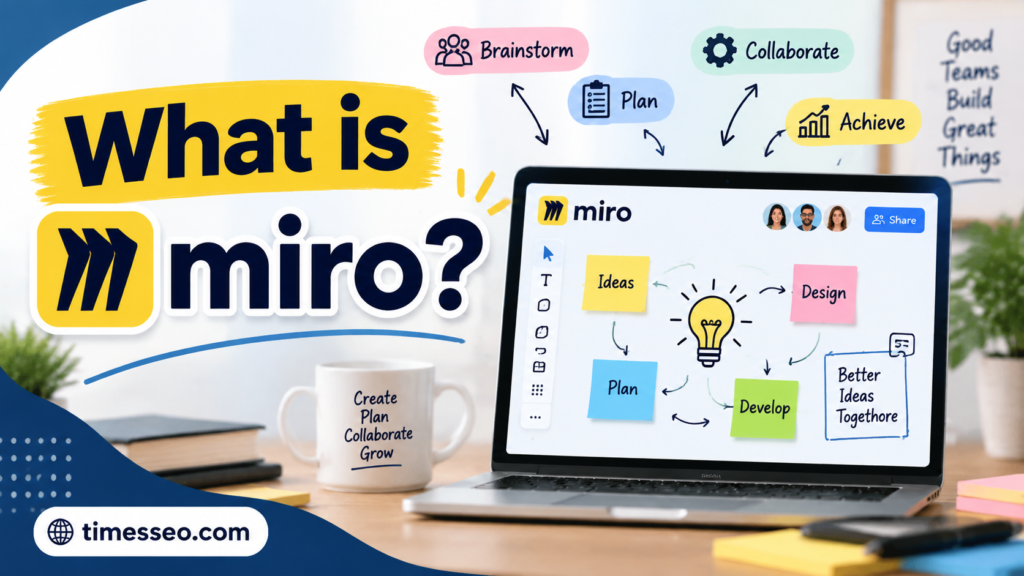

Miro is an online visual collaboration platform designed for teams, businesses, educators, and creative professionals. It provides a flexible digital canvas where users can collaborate, brainstorm, design workflows, and manage projects.
The platform was created to solve a common workplace challenge: helping people collaborate effectively when they are not physically together. With Miro, team members can join the same workspace, share ideas, give feedback, and make decisions together in real time.
Miro is used by organizations across different industries, including technology, marketing, education, healthcare, finance, and consulting. Teams use it for activities such as:
- Brainstorming sessions
- Product planning
- Customer journey mapping
- Agile project management
- Team meetings
- Design thinking workshops
The main idea behind Miro is simple: instead of keeping ideas hidden inside documents or emails, teams can display them visually and work on them together.
Why Online Collaboration Tools Are Important Today
The traditional office environment has changed significantly. Employees may work from different cities, countries, or even continents. This makes communication more challenging because teams cannot always meet face-to-face.
Online collaboration tools help solve these problems by creating a shared digital environment. They allow employees to exchange ideas, track progress, and complete tasks without being in the same location.
Some important reasons why businesses use collaboration tools include:
- Faster communication between team members
- Better organization of project information
- Increased employee productivity
- Easier management of remote teams
- Improved creativity and teamwork
A platform like Miro acts as a bridge between different working styles. Some people prefer written information, while others understand ideas better through visuals. Miro supports both approaches by combining text, images, diagrams, and interactive elements.
Main Features of Miro
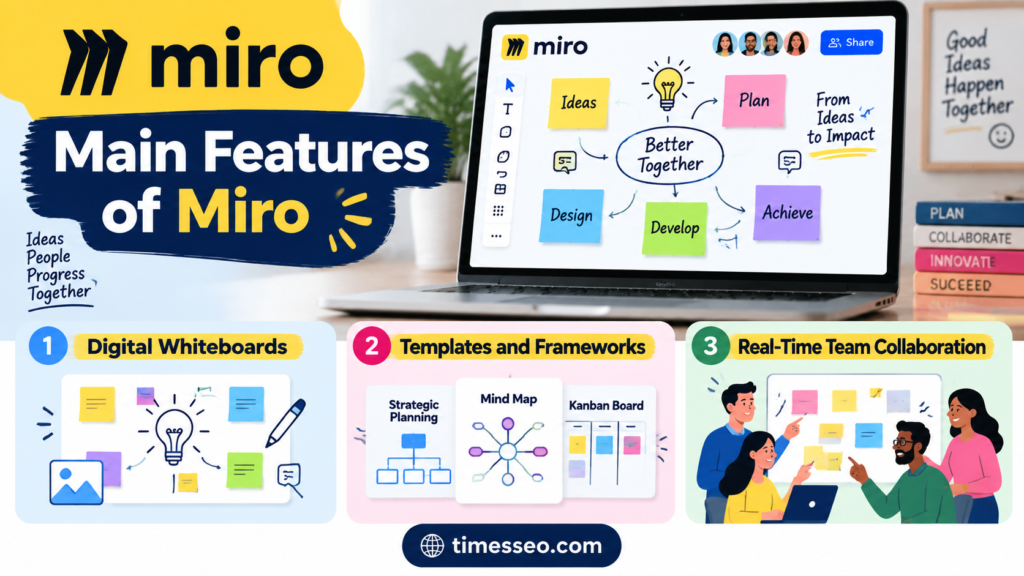
Digital Whiteboards
The digital whiteboard is the most popular feature of Miro. It replaces the traditional office whiteboard with a more powerful online version.
Users can draw ideas, add notes, create diagrams, and organize information visually. Multiple people can work on the same board at the same time, making meetings more interactive.
For example, during a brainstorming session, employees can add their ideas using sticky notes. The team can then group similar ideas, discuss them, and create an action plan.
Templates and Frameworks
Miro provides many ready-made templates that save time and improve productivity. Instead of creating every board from the beginning, users can select templates based on their needs.
Popular templates include:
- SWOT Analysis
- Mind Maps
- Kanban Boards
- Customer Journey Maps
- Project Roadmaps
- Meeting Notes
Templates are especially useful for businesses because they provide a structured starting point.
Real-Time Team Collaboration
One of Miro’s strongest features is real-time collaboration. Multiple users can work together on the same board regardless of location.
Team members can:
- Edit content together
- Add comments
- Share suggestions
- Discuss ideas through integrated communication features
This creates a meeting experience where everyone can participate actively.
Understanding How Miro Works
Miro’s Visual Workspace Concept
The core concept of Miro is based on a digital infinite canvas. Users can create a workspace that expands according to their needs. Unlike a normal document with fixed pages, the Miro canvas allows teams to place information anywhere.
For example, a product team can create one large board containing:
- Product ideas
- Customer feedback
- Design concepts
- Development timelines
- Marketing plans
Everything remains connected in one visual space.
This approach makes complex information easier to understand. Instead of reading multiple files or searching through emails, team members can view the complete project picture in one place.
Key Elements of the Miro Platform
Miro includes several tools that support collaboration and creativity. Some important elements include:
Sticky Notes:
Teams can quickly add ideas, suggestions, and feedback using digital sticky notes.
Shapes and Connectors:
Users can create flowcharts, diagrams, and process maps.
Comments:
Team members can leave feedback directly on specific parts of a board.
Frames:
Frames help organize content into sections, similar to slides or pages.
Voting Tools:
Teams can collect opinions and make decisions during meetings.
These features make Miro useful for both simple discussions and complex business projects.
Benefits of Using Miro for Teams
Improving Communication
Clear communication is important for successful teamwork. Sometimes written messages are not enough to explain complex ideas. Miro improves communication by allowing teams to represent information visually.
A marketing team, for example, can create a campaign plan showing goals, customer groups, content ideas, and deadlines on one board. This makes it easier for everyone to understand the strategy.
Supporting Remote and Hybrid Work
Remote work requires strong digital tools. Miro helps remote teams feel connected by creating a shared workspace where everyone can contribute.
Employees do not need to wait for physical meetings to share ideas. They can access boards anytime, review information, and provide updates.
For hybrid teams, Miro creates equal participation between office employees and remote workers.
Miro for Different Business Activities
Project Management
Project managers use Miro to plan tasks, monitor progress, and organize workflows.
Teams can create:
- Project timelines
- Task boards
- Workflows
- Responsibility charts
Miro works well with Agile methods because teams can visualize tasks and track project movement.
Brainstorming and Planning
Creativity is an important part of business growth. Miro supports brainstorming by giving teams a space where they can freely share ideas.
During planning sessions, teams can collect different opinions, organize thoughts, and identify the best solutions.
This makes meetings more productive because everyone has an opportunity to participate.
Also Read
The Ultimate Guide to Getting Started With Instacart – Shoppers
The Future of Urban Transportation and the Growing Role of JOBY
Understanding How Businesses Use Cede in Modern Financial Strategies
From Beginners to Professionals: Choosing the Right Olympus Camera
ABIBY: Complete Guide to Quality, Value & Convenience
Miro Pricing Plans and Options
Miro offers different pricing options based on user requirements. The platform generally provides:
Plan | Suitable For | Main Features |
Free Plan | Individuals and small teams | Basic boards and collaboration features |
Starter Plan | Growing teams | More boards and advanced features |
Business Plan | Large organizations | Security and team management tools |
Enterprise Plan | Large companies | Advanced control and support |
Miro Integrations and Compatibility
Miro works with many popular business applications. These integrations help teams connect their existing tools with their visual workspace.
Common integrations include:
- Slack
- Microsoft Teams
- Google Workspace
- Jira
- Trello
- Zoom
These connections allow teams to manage communication and projects more efficiently.
How Businesses Use Miro Effectively
Businesses can get better results from Miro by using it with clear goals. A board should not become overcrowded with unnecessary information.
Some effective practices include:
- Creating organized boards
- Using templates when possible
- Updating project information regularly
- Encouraging team participation
- Removing outdated content
When used properly, Miro becomes more than just a whiteboard. It becomes a complete collaboration environment.
Advantages and Limitations of Miro
Advantages
- Easy visual collaboration
- Supports remote teamwork
- Large collection of templates
- Useful for many industries
- Improves brainstorming sessions
Limitations
- New users may need time to learn all features
- Large boards can become difficult to manage
- Advanced features require paid plans
Like every tool, Miro works best when teams understand how to use it effectively.
Conclusion
Miro has become an important tool for modern teamwork because it combines creativity, communication, and project management in one platform. Its digital canvas approach allows teams to share ideas visually and collaborate without location barriers.
For businesses, educators, and creative professionals, Miro provides a flexible environment where ideas can grow from simple concepts into complete solutions. As remote and hybrid work continue to expand, tools like Miro will remain valuable for improving teamwork and productivity.
Frequently Asked Questions
Miro is mainly used for online collaboration, brainstorming, project planning, visual communication, and team workshops.
Yes, Miro offers a free plan with basic features. Paid plans provide additional tools and advanced options.
Yes, Miro is designed for remote and hybrid teams. Users can collaborate from different locations in real time.
Yes, small businesses can use Miro for planning, meetings, marketing strategies, and project management.
Miro provides advanced digital features such as templates, integrations, comments, unlimited space, and real-time collaboration that traditional whiteboards cannot offer.
Table of Contents
Popular Posts

-
 Affordable Technical SEO Audit for Small Business: A Complete Guide26 Jun 2025 Blog
 -
 How to Get an Affordable Technical SEO Audit for Small Business27 Jun 2025 Blog
 -
 The Ultimate Local SEO Audit Checklist for Startups28 Jun 2025 Blog
 -
 Local SEO Audit Checklist for Startups: A Beginner’s Guide28 Jun 2025 Blog
 -
 Top On-Page SEO Audit Steps for Service Websites Every Business Should Know29 Jun 2025 Blog
 -
 The Impact of On-Page SEO Audit Steps for Service Websites on UX01 Jul 2025 Blog
 -
 Technical SEO for WordPress: The Ultimate Beginner’s Guide01 Jul 2025 Blog
 -
 Technical Mobile SEO Audit Tips for Developers02 Jul 2025 Blog
Related Post