

Miro: Complete Guide to Visual Collaboration and Team Productivity
Discover how Miro transforms teamwork with powerful visual collaboration tools. This complete guide covers features, pricing, use cases, and productivity tips to help teams brainstorm, plan, and execute ideas more effectively using Miro.
Table of Contents
What is Miro?
History and Evolution of Miro
If you’ve ever tried brainstorming with a remote team and felt like something was missing, chances are you were lacking a visual collaboration tool like Miro. Originally launched in 2011 as RealtimeBoard, Miro has evolved into one of the most powerful platforms for team collaboration. Today, it’s used by over 90 million users and 250,000+ organizations worldwide.
What started as a simple online whiteboard has now transformed into a full-fledged innovation workspace. Think of it as a digital room where ideas don’t just sit—they grow, connect, and evolve. With the rise of remote work and hybrid teams, Miro quickly became essential because it solves one major problem: how do you collaborate visually when you’re not in the same room?
The answer lies in its dynamic interface. Instead of static documents, Miro allows teams to create interactive boards filled with sticky notes, diagrams, workflows, and more. It’s like replacing your office whiteboard with something infinitely more powerful and accessible from anywhere.
Why Miro Became Popular


So, why is everyone suddenly talking about Miro? The answer is simple—it bridges the gap between communication and visualization. Traditional tools like email or chat apps focus on text, but Miro focuses on thinking visually, which is how most humans actually process ideas.
Another reason for its popularity is flexibility. Whether you’re a developer mapping system architecture, a marketer planning campaigns, or a student organizing research, Miro adapts to your needs. Its real-time collaboration feature allows multiple users to work simultaneously, making it feel like everyone is in the same room—even if they’re continents apart.
Also, Miro integrates seamlessly with tools like Slack, Google Drive, Jira, and more, making it a central hub rather than just another tool. Add to that its AI-powered features and thousands of templates, and you start to see why it’s become a go-to platform for modern teams.
How Miro Works
Getting Started with Miro
Getting started with Miro is surprisingly simple. You sign up, create a workspace, and start building boards. Even beginners can navigate the interface easily because it’s designed to be intuitive.
The onboarding process includes tutorials and sample templates, so you’re never left guessing. Within minutes, you can create your first board and invite team members to collaborate.
What makes Miro stand out here is accessibility. It works on browsers, desktops, and mobile devices, ensuring you can collaborate anytime, anywhere.
Creating and Managing Boards
Boards are the heart of Miro. Think of them as digital workspaces where all your ideas live. You can create multiple boards for different projects and organize them into folders.
Managing boards is straightforward. You can control access, set permissions, and share links with team members or clients. This ensures security while maintaining flexibility.
Boards also support version history, so you can track changes and revert if needed. This feature is crucial for teams working on complex projects where mistakes can happen.
Key Features of Miro
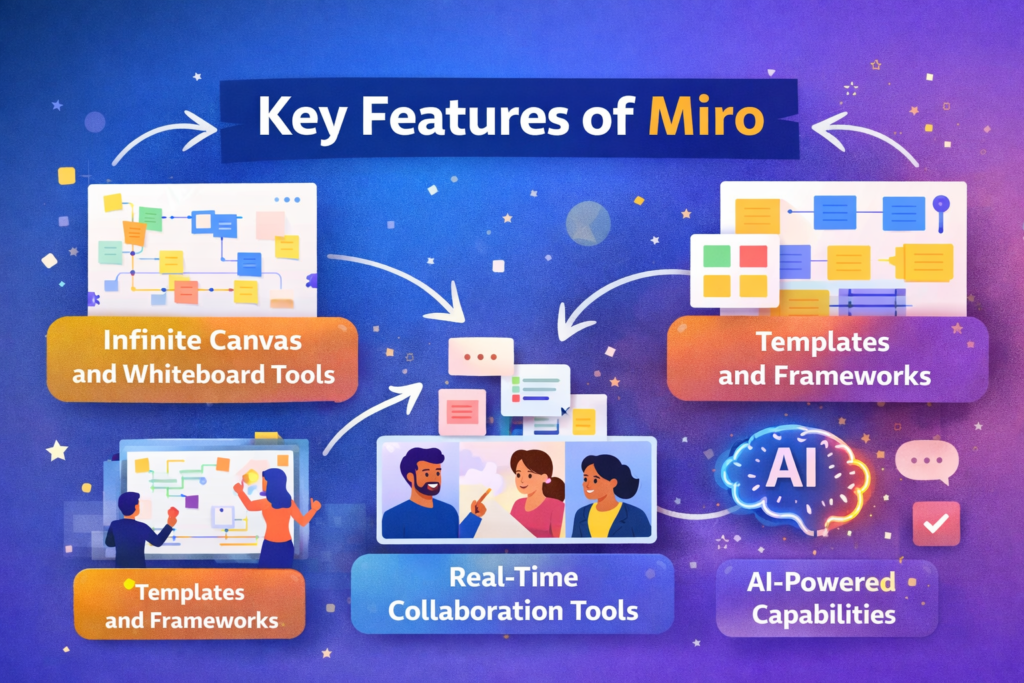
Infinite Canvas and Whiteboard Tools
Imagine having a whiteboard that never runs out of space—that’s exactly what Miro offers. Its infinite canvas lets you expand your ideas without limitations. You can zoom in, zoom out, and structure your thoughts in a way that feels natural.
This feature is especially useful for complex projects. Instead of splitting ideas across multiple documents, everything lives in one place. You can map entire workflows, customer journeys, or system architectures without ever hitting a boundary.
The tools inside the canvas are equally powerful. From sticky notes and shapes to connectors and drawing tools, Miro makes it easy to bring your ideas to life visually. It’s not just about writing—it’s about designing your thinking process.
Templates and Frameworks
One of Miro’s biggest strengths is its library of templates. With thousands of pre-built frameworks, you don’t have to start from scratch.
Whether you’re running a SWOT analysis, planning a sprint, or designing a user journey, there’s a template ready to go. This saves time and ensures consistency across teams.
Templates also act as guides. If you’re new to a concept like agile planning or design thinking, Miro’s templates help you understand the structure and process. It’s like having a built-in mentor guiding your workflow.
Real-Time Collaboration Tools
Collaboration in Miro feels almost magical. Multiple users can edit the same board simultaneously, and you can see their cursors moving in real time. It’s like watching ideas come alive.
Features like comments, mentions, and live chat make communication seamless. You can even conduct meetings directly on the board using built-in video chat and voting tools.
This real-time interaction eliminates the need for endless email threads or disconnected conversations. Everything happens in one place, making teamwork faster and more efficient.
AI-Powered Capabilities
Miro has taken a big leap forward by integrating AI features into its platform. These tools help automate tasks, generate ideas, and even summarize content.
For example, Miro AI can analyze your board and suggest improvements or organize information into structured formats. It acts like a smart assistant that understands your workflow and helps you move faster.
AI also enhances creativity. If you’re stuck, it can generate ideas or expand on your existing thoughts. This makes Miro not just a collaboration tool but a productivity booster.
Miro Pricing Plans (2026 Updated)
Free Plan
Miro offers a free plan that allows unlimited team members but limits you to 3 editable boards.
This plan is perfect for individuals or small teams who want to explore the platform. It includes basic collaboration features, templates, and integrations.
However, as your projects grow, the board limitation can become restrictive. That’s when upgrading becomes necessary.
Starter Plan
The Starter plan costs around $8–$10 per user/month, depending on billing.
It unlocks unlimited boards and additional features like custom templates and private boards. This plan is ideal for small teams that need consistent collaboration.
Business and Enterprise Plans
The Business plan ranges around $16–$20 per user/month, offering advanced features like SSO, integrations, and admin controls.
Enterprise plans come with custom pricing and include advanced security, governance, and support features.
Plan | Price | Best For | Key Features |
Free | $0 | Individuals | 3 boards, basic tools |
Starter | $8–$10/user | Small teams | Unlimited boards |
Business | $16–$20/user | Growing teams | Advanced integrations |
Enterprise | Custom | Large orgs | Security & governance |
Benefits of Using Miro
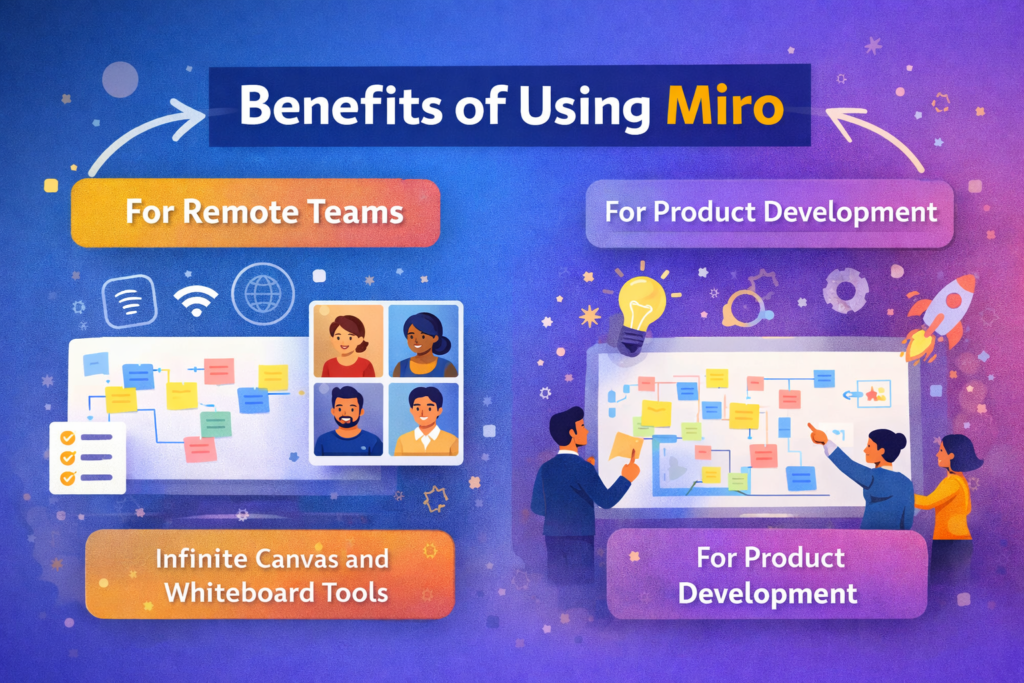
For Remote Teams
Remote work can feel disconnected, but Miro changes that. It creates a shared visual space where everyone can contribute equally.
Instead of long meetings, teams can collaborate asynchronously on boards. This saves time and improves productivity.
For Product Development
Miro is a game-changer for product teams. From ideation to launch, everything can be mapped visually.
It helps teams align faster, reduce misunderstandings, and make better decisions.
Use Cases of Miro
Brainstorming and Ideation
Miro shines when it comes to brainstorming. You can quickly add ideas, group them, and refine them.
Agile Project Management
Teams can plan sprints, track tasks, and visualize workflows.
UX/UI Design and Wireframing
Designers can create wireframes and prototypes directly on the board.
Also Read
Instacart – Shoppers: Complete Guide to Earning Money as an Instacart Shopper
ZipRecruiter: Complete Guide to Finding Jobs Faster with ZipRecruiter
JOBY: Complete Guide to JOBY Aviation and the Future of Air Mobility
Cede Platform for Movies, Music and Games Explained
Olympus Digital Camera Review: Features and Performance
Pros and Cons of Miro
Pros:
- Easy to use
- Powerful collaboration tools
- Extensive templates
Cons:
- Limited free plan
- Can be overwhelming for beginners
Miro vs Competitors
Miro competes with tools like Mural and Lucidspark, but its flexibility and AI features give it an edge.
Tips to Maximize Productivity with Miro
Use templates, organize boards, and leverage AI features to save time.
Conclusion
Miro isn’t just a tool—it’s a workspace where ideas turn into action. Whether you’re working solo or with a global team, it helps you think visually, collaborate effectively, and execute faster. With its powerful features, flexible pricing, and AI capabilities, Miro is shaping the future of teamwork.
Frequently Asked Questions
Yes, Miro offers a free plan with basic features and 3 editable boards.
It’s used for brainstorming, project management, and visual collaboration.
Absolutely, it’s designed specifically for remote and hybrid collaboration.
Yes, it integrates with tools like Slack, Google Drive, and Jira.
Yes, especially for teams that rely on visual workflows and collaboration.
Table of Contents
Popular Posts

-
 Affordable Technical SEO Audit for Small Business: A Complete Guide26 Jun 2025 Blog
 -
 How to Get an Affordable Technical SEO Audit for Small Business27 Jun 2025 Blog
 -
 The Ultimate Local SEO Audit Checklist for Startups28 Jun 2025 Blog
 -
 Local SEO Audit Checklist for Startups: A Beginner’s Guide28 Jun 2025 Blog
 -
 Top On-Page SEO Audit Steps for Service Websites Every Business Should Know29 Jun 2025 Blog
 -
 The Impact of On-Page SEO Audit Steps for Service Websites on UX01 Jul 2025 Blog
 -
 Technical SEO for WordPress: The Ultimate Beginner’s Guide01 Jul 2025 Blog
 -
 Technical Mobile SEO Audit Tips for Developers02 Jul 2025 Blog
Related Post