
Weblium.com Review: Is It the Best Website Builder for Beginners?

When you’re just getting started with building a website, picking the right tool can feel like wandering through a maze without a map. There are so many builders out there — Wix, Squarespace, Weebly, WordPress, and more — but Weblium.com has quietly become a contender that beginners are buzzing about. But is it truly the best website builder for beginners in 2026? Let’s explore that deeply and objectively.
In this comprehensive review, we’ll examine Weblium’s features, pricing, ease of use, strengths, weaknesses, and how it stacks up against other popular builders — with insights from real user reviews and industry feedback.
Table of Contents
What Is Weblium?
Weblium is an AI-powered website builder and site management platform designed to help users create professional websites without any coding skills. Founded by the team behind TemplateMonster, it aims to make web creation simple, affordable, and visually appealing for individuals, small businesses, freelancers, and agencies alike.
Who Is Weblium Best For?


Weblium markets itself as a beginner-friendly builder — but it’s more than just hype. Users who benefit most include:
- Absolute Beginners who’ve never built a site before.
- Small Business Owners needing a professional online presence fast.
- Freelancers and Agencies managing multiple client sites.
- Landing page designers and marketers who desire simplicity and speed
What Users Love About Weblium
Easy to Use
Beginners consistently highlight Weblium’s intuitive editor, saying they could build a beautiful site quickly — often in a matter of hours rather than days.
Beautiful Templates
Without any prior design skills, it is simple to construct professional websites thanks to the high quality and variety of themes.
Great Support
Users on platforms like Trustpilot and G2 praise Weblium’s support team for helpful and prompt responses.
Good Value for Money
Compared to other builders, Weblium’s features at the price point are often seen as a big plus, especially for small businesses on a budget.
Key Features of Weblium
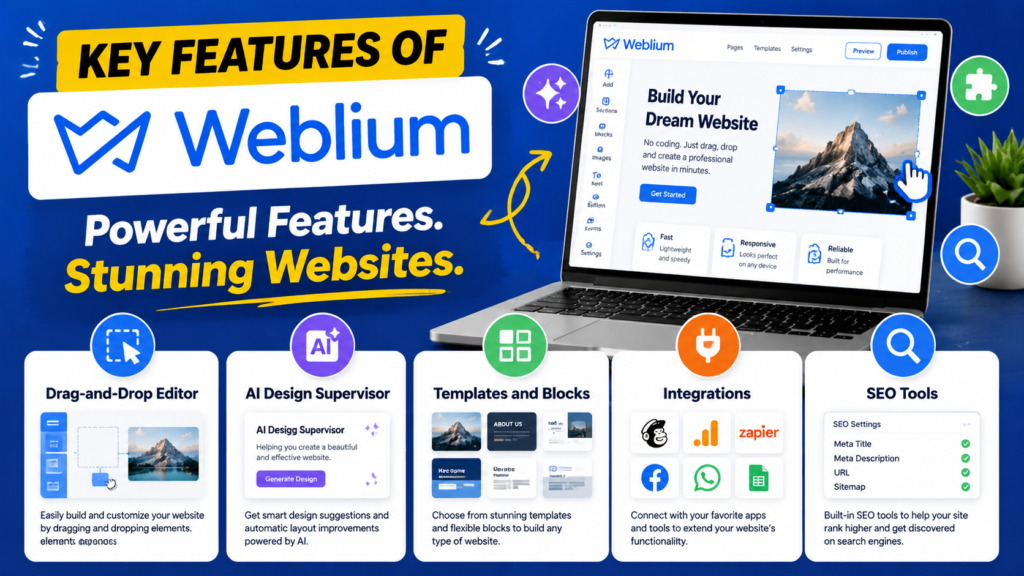
Weblium offers a suite of features aimed at simplifying web creation. Here’s what stands out:
Drag‑and‑Drop Editor
Weblium’s editor lets you build pages visually, moving elements around without coding — ideal for beginners.
AI Design Supervisor
Weblium automatically adjusts typography, spacing, and layouts to ensure professional designs no matter what changes you make — a major help for newcomers.
Templates and Blocks
It boasts 300+ pre-designed templates and blocks you can customize for portfolios, business sites, landing pages, and more.
Integrations
Connect tools like Google Analytics, Mailchimp, live chat, and CRM integrations for enhanced functionality.
SEO Tools
Built‑in SEO settings — such as meta tags and mobile‑friendly layouts — help ensure your site can be found on search engines.
Pricing Overview
Weblium’s pricing structure is straightforward but flexible:
Plan | Price (approx.) | Key Features |
Free | $0 | Unlimited storage, SSL, subdomain, up to 3 sites (with branding) |
Pro (Annual) | ~$8.25/mo | Custom domain, eCommerce, advanced SEO tools |
Pro (Monthly) | ~$15/mo | Full builder access without long‑term commitment |
This pricing is often seen as more affordable than industry giants like Squarespace or Wix.
Real User Feedback — Both Good and Bad
Positive Reviews
Many users rate Weblium highly (around 4.5+ stars), praising:
- Simplicity of creation.
- No coding needed.
- Useful built‑in marketing tools.
Criticisms and Concerns
However, some users have raised valid points:
- Limited Customization: Advanced designers sometimes find block structure limiting.
- Feature Gaps: E-commerce and blogging tools may lack depth compared with competitors.
- Export Limitations: You can’t export your site to self‑host elsewhere — which matters if you want full control.
- Trial Restrictions: Some users reported that free trials don’t unlock all features.
Pros and Con of Weblium.com
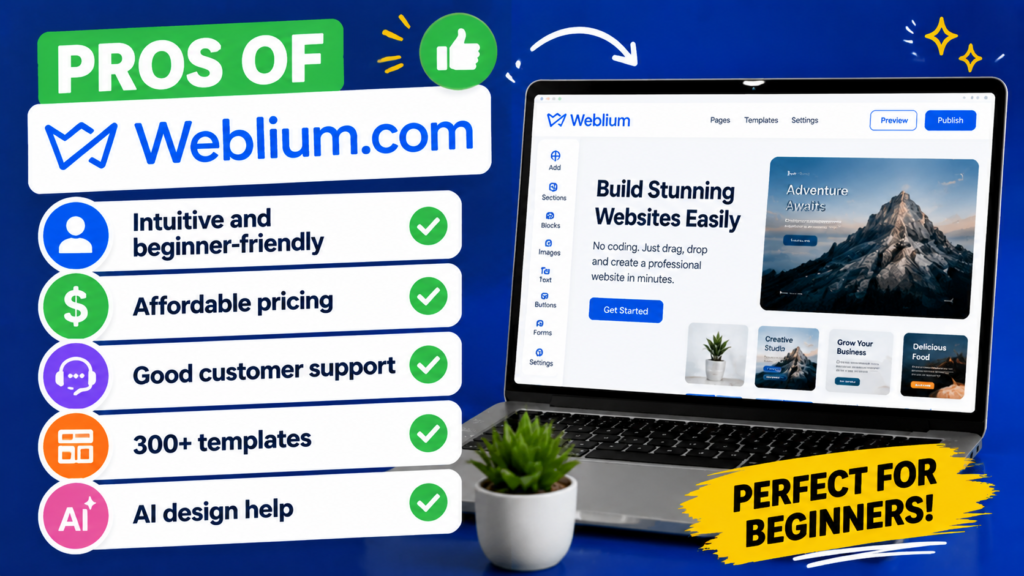
Pros
- Intuitive and
- beginner‑friendly
- Affordable pricing
- Good customer support
- 300+ templates
- AI design help
Cons
- Limited customization for advanced users
- E‑commerce tools are basic
- Free trial limitations
- Cannot export sites to external hosting
- Blogging tools not powerful
Weblium vs. Other Builders
Weblium vs. Wix
Wix offers massive app integrations and deeper customization, but with a steeper learning curve. Weblium wins for simplicity.
Weblium vs. Squarespace
Although Squarespace is renowned for its elegant design, it may be expensive and intimidating for complete novices. Weblium is easier to grasp and less expensive.
Weblium vs. WordPress
WordPress offers ultimate flexibility but requires hosting setup and can be daunting for non‑techies. Weblium is plug‑and‑play by comparison.
Also Read
CHENGDU OUMEI NETWORK INFORMATION L.T.D: Company Overview and Services
Beginner’s Guide to KATE BACKDROP INC: Choosing the Perfect Event Backdrop
How eufy | Fantasia Trading LLC Is Transforming Smart Home Automation
Bellway Products Guide: Benefits & Uses Explained
Why Legacy is Gaining Popularity in the Modern Market
Beginner Experience — What to Expect
If you’re new to website building, here’s how Weblium makes life easier:
- Step‑by‑Step Visual Builds mean you don’t stare at code.
- AI Design Assistance acts like a virtual co‑designer, keeping your layouts clean.
- Responsive Templates adjust to mobile devices automatically.
Still, beginners should be aware that beginners with high customization needs (like complex stores or advanced blogs) may find some limitations.
Is Weblium SEO‑Friendly?
Yes — Weblium provides built‑in SEO tools and mobile responsiveness, which are crucial for ranking well in search engines. However, final SEO performance also depends on how well you use these tools, optimize images, and structure content — same as any builder.
Expert Insights
Industry reviewers highlight that Weblium shines for simplicity and speed — two big wins for beginners. The AI design system and built‑in SEO features help bridge the gap between novice builders and professional‑looking results.
Conclusion
So, is Weblium the best website builder for beginners? If your priority is ease of use, affordability, and getting online fast with a clean, modern design, then yes, Weblium is a top contender and may be one of the best choices available today. It’s particularly strong for small businesses, personal portfolios, landing pages, and marketing sites.
However, if you need deep customization, advanced e‑commerce capabilities, or extensive blogging tools, you might outgrow Weblium’s feature set and need a more robust platform in the future.
Overall, Weblium strikes an excellent balance between simplicity and performance, meaning that for many beginners, it’s an ideal place to start — and grow with confidence.
Frequently Asked Questions
Yes, Weblium supports e‑commerce features including product listings and online payments — but advanced store capabilities may be limited compared to Shopify.
No — Weblium currently does not allow exporting sites for hosting on external platforms, which can be a deal‑breaker for some power users.
Yes — it offers built‑in SEO tools, mobile responsiveness, and fast loading templates to help with search visibility.
Weblium offers a free plan with limitations and a Pro plan for expanded features. Annual pricing is more affordable than many competitors.
Yes — many agencies use Weblium to manage multiple client websites, thanks to its simple management dashboard and ease of replication.
Table of Contents
Popular Posts

-
 Affordable Technical SEO Audit for Small Business: A Complete Guide26 Jun 2025 Blog
 -
 How to Get an Affordable Technical SEO Audit for Small Business27 Jun 2025 Blog
 -
 The Ultimate Local SEO Audit Checklist for Startups28 Jun 2025 Blog
 -
 Local SEO Audit Checklist for Startups: A Beginner’s Guide28 Jun 2025 Blog
 -
 Top On-Page SEO Audit Steps for Service Websites Every Business Should Know29 Jun 2025 Blog
 -
 The Impact of On-Page SEO Audit Steps for Service Websites on UX01 Jul 2025 Blog
 -
 Technical SEO for WordPress: The Ultimate Beginner’s Guide01 Jul 2025 Blog
 -
 Technical Mobile SEO Audit Tips for Developers02 Jul 2025 Blog
Related Post