
Ooma Office: Complete Guide to Business Communication Solutions

Discover how Ooma Office transforms business communication with its powerful cloud-based VoIP system. This complete guide covers features, pricing, benefits, and comparisons to help you decide if Ooma Office is the right solution for your business.
Table of Contents
What is Ooma Office?
If you’ve ever struggled with outdated office phone systems—crackling lines, expensive maintenance, or confusing setups—then Ooma Office might feel like a breath of fresh air. It’s a modern, cloud-based business communication solution designed to replace traditional landline systems with something smarter, faster, and much more flexible. Think of it as the difference between using a flip phone and a smartphone—same purpose, but a completely different experience.
Ooma Office is primarily a Voice over Internet Protocol (VoIP) system, which means it allows you to make calls using the internet instead of traditional phone lines. This shift alone opens up a world of possibilities. You can manage calls from anywhere, set up virtual receptionists, and scale your business communication without needing bulky hardware or expensive installations. For small and medium-sized businesses, especially, this can be a game changer.
What makes Ooma Office stand out is how it balances simplicity with powerful features. You don’t need to be a tech expert to set it up, yet it still offers advanced tools like call forwarding, voicemail-to-email, and conferencing. It’s designed for real-world business needs—whether you’re running a startup, managing a remote team, or growing a customer support operation. In short, Ooma Office is not just a phone system; it’s a complete communication hub that evolves with your business.
How Ooma Office Works
Cloud-Based VoIP Technology Explained
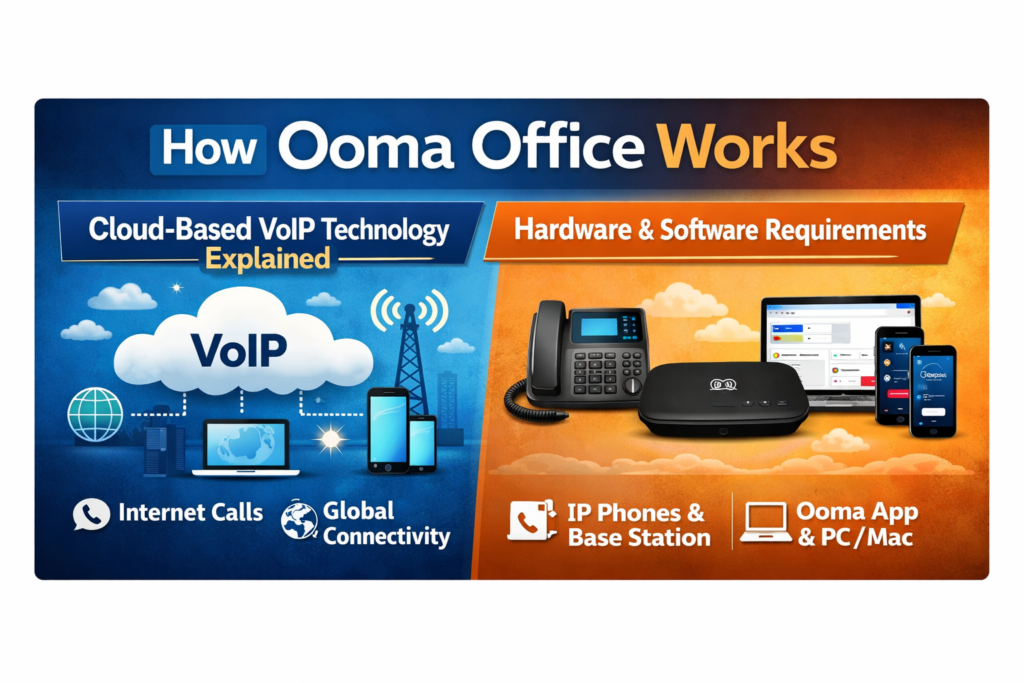

At the heart of Ooma Office is VoIP technology, which essentially converts your voice into digital data and sends it over the internet. Instead of relying on physical copper wires like traditional phone systems, Ooma uses cloud servers to route calls efficiently. This means fewer disruptions, better call quality, and significantly lower costs.
Imagine sending a WhatsApp voice message instead of making a traditional phone call—that’s a simplified analogy of how VoIP works. Your voice gets digitized, transmitted, and reconstructed at the other end in real time. The beauty of this system is that it eliminates geographical barriers. Whether your team is in Kolkata, New York, or London, they can all use the same system seamlessly.
Another major advantage is flexibility. Since everything is hosted in the cloud, you don’t need to maintain servers or hire IT specialists. Updates happen automatically, and new features can be added without any downtime. This makes Ooma Office incredibly efficient for businesses that want to stay agile without getting bogged down by technical complexities.
Hardware and Software Requirements
One of the best things about Ooma Office is how minimal the setup requirements are. You typically need a reliable internet connection, an Ooma base station, and compatible IP phones—or even just a smartphone with the Ooma app. That’s it. There’s no need for complex wiring or expensive infrastructure upgrades.
For businesses that prefer a more traditional feel, Ooma offers physical desk phones that integrate seamlessly with the system. But if you’re leaning toward a remote-first setup, the mobile and desktop apps work just as well. Employees can make and receive calls, check voicemails, and manage settings from anywhere, turning any device into a fully functional business phone.
This flexibility means you can start small and expand as needed. Add new users, assign extensions, or integrate additional features—all without disrupting your operations. It’s like building with LEGO blocks; you can keep adding pieces as your business grows, without having to rebuild everything from scratch.
Core Features of Ooma Office
Business Phone System Capabilities
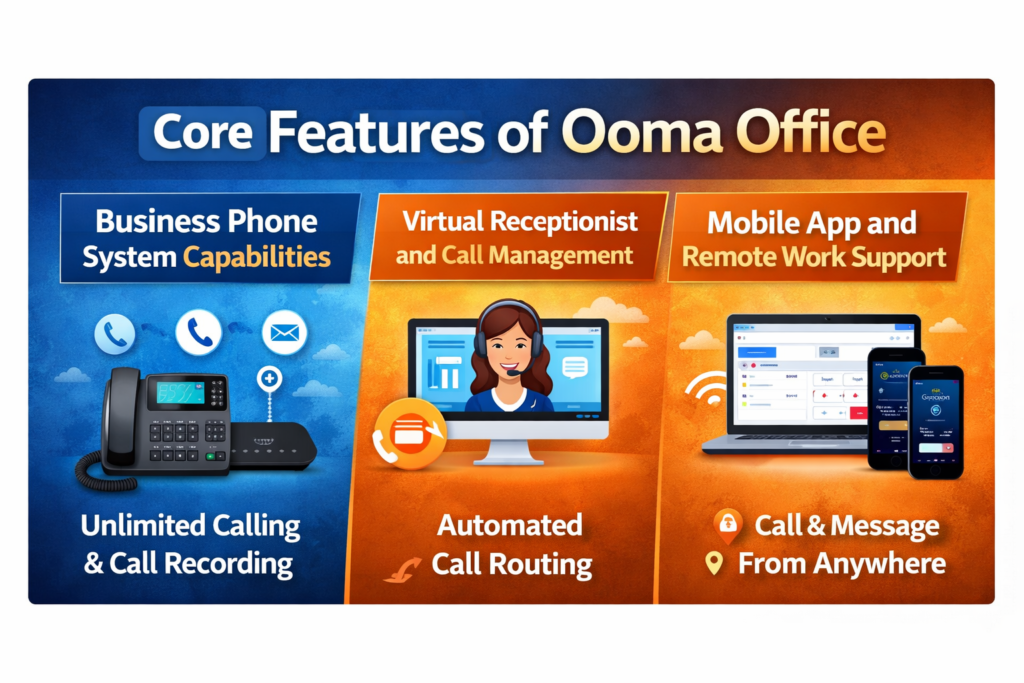
Ooma Office comes packed with features that go far beyond basic calling. You get unlimited calling within certain regions, call forwarding, call waiting, and extension dialing—all standard. But what really stands out is how these features are integrated into a single, easy-to-use dashboard.
You can monitor call activity, manage users, and customize settings without needing technical expertise. For example, you can set up business hours so calls are automatically routed differently after hours. This ensures your business maintains a professional image, even when no one is physically in the office.
Another powerful feature is call recording, which can be invaluable for training and quality assurance. Whether you’re running a customer support team or a sales department, being able to review calls can help improve performance and customer satisfaction.
Virtual Receptionist and Call Management
Think of the virtual receptionist as your digital front desk. It greets callers, provides menu options, and directs them to the right department—all without human intervention. This not only saves time but also ensures that every caller gets a consistent and professional experience.
You can customize greetings, set up multiple menus, and even route calls based on time of day or caller input. It’s similar to having a receptionist that works nonstop. For small businesses, this can create the impression of a much larger organization.
Call management features also include call transfer, call parking, and ring groups. These tools make it easy to handle high call volumes and ensure that no important call goes unanswered. It’s all about efficiency and professionalism, wrapped into one system.
Mobile App and Remote Work Support
In today’s world, remote work isn’t just a trend—it’s a necessity. Ooma Office fully embraces this shift with its mobile app, which allows employees to stay connected no matter where they are. You can make business calls from your personal phone without revealing your private number, which is a huge plus for privacy.
The app also supports messaging, voicemail access, and call management, making it a complete communication tool. Whether you’re traveling, working from home, or managing multiple locations, Ooma ensures you’re always in control.
This degree of adaptability is particularly beneficial for expanding companies. You don’t need to worry about setting up separate systems for different locations. Everything is centralized, yet accessible from anywhere. It’s like carrying your office in your pocket.
Ooma Office Pricing Plans
Ooma Office Plans Overview
Ooma Office offers flexible pricing tiers designed to suit different business needs. While pricing may vary slightly depending on location and features, here’s a general comparison:
Plan | Key Features | Best For |
Essentials | Basic calling, virtual receptionist | Small teams |
Pro | Video conferencing, call recording | Growing businesses |
Pro Plus | Advanced analytics, CRM integrations | Large teams |
Each plan builds on the previous one, adding more advanced features. This tiered approach allows businesses to start with a basic setup and upgrade as they grow, without overpaying for features they don’t need initially.
Ooma Office vs Traditional Phone Systems
Key Differences
Traditional phone systems rely on physical infrastructure, which makes them expensive and difficult to scale. Ooma Office, on the other hand, is cloud-based, offering flexibility and cost savings.
Feature | Ooma Office | Traditional Systems |
Setup | Quick & Easy | Complex |
Cost | Low Monthly Fee | High Initial Cost |
Scalability | High | Limited |
Mobility | Full | Minimal |
Which One is Better for Your Business?
If your business values flexibility, scalability, and cost savings, Ooma Office is the clear winner. Traditional systems might still be relevant for certain industries, but for most modern businesses, they simply can’t compete.
Benefits of Using Ooma Office
Cost Savings and Scalability
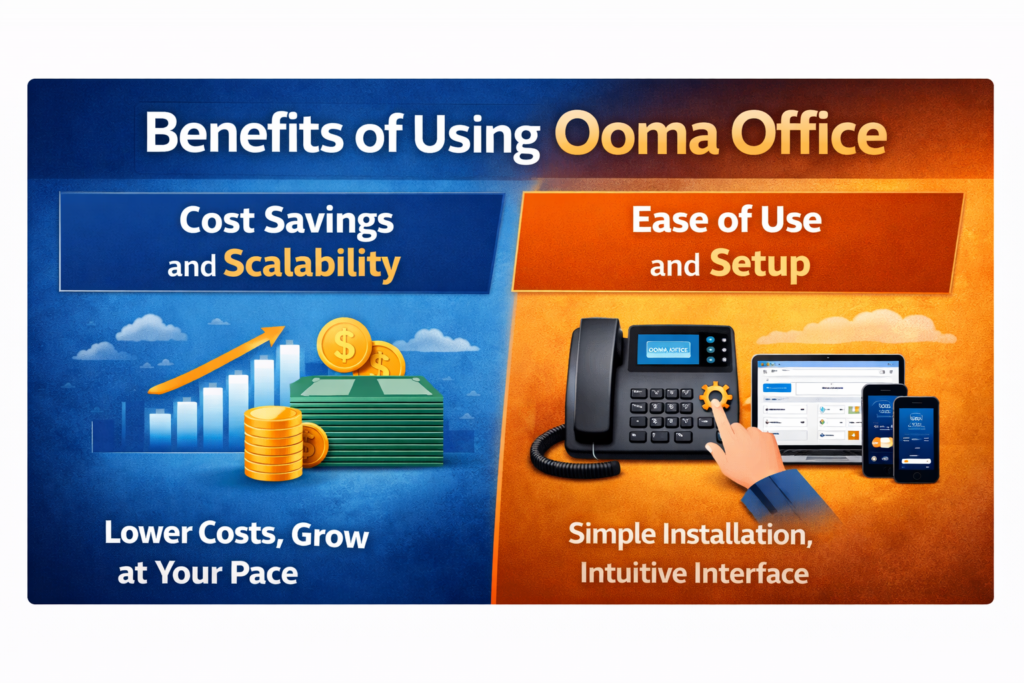
One of the biggest advantages of Ooma Office is cost efficiency. Traditional phone systems often come with hefty installation fees, maintenance costs, and long-term contracts. Ooma eliminates most of these expenses by operating entirely in the cloud.
You pay a predictable monthly fee, which makes budgeting much easier. There are no surprise charges for upgrades or maintenance. Plus, since the system is scalable, you can add or remove users as needed without incurring significant costs.
Ease of Use and Setup
Let’s be honest—no one wants to spend weeks setting up a phone system. Ooma Office is designed to be plug-and-play. Most businesses can get up and running within minutes, not days.
The user interface is intuitive, and the setup process is straightforward. It’s simple to use even if you’re not tech-savvy. This simplicity is one of the reasons why Ooma Office is so लोकप्रिय among small business owners.
Ooma Office vs Competitors
Comparison Table
Feature | Ooma Office | RingCentral | Grasshopper |
Pricing | Affordable | Expensive | Moderate |
Features | Comprehensive | Advanced | Basic |
Ease of Use | High | Medium | High |
Also Read
JOBY: Complete Guide to JOBY Aviation and the Future of Air Mobility
MacKeeper Software Review: Is It Safe for Mac Users?
Bonus Loyalty Program Explained: Features and Benefits
Erasmusu Housing and Travel Services Explained for International Students
Der Gepflegte Mann: Men’s Grooming Brand Marketing Strategy
Use Cases of Ooma Office
Small Businesses
For small businesses, Ooma Office provides a professional communication system without the high costs. It helps create a strong first impression, which is crucial for attracting and retaining customers.
Remote Teams
Remote teams benefit from Ooma’s mobility and cloud-based features. Employees can stay connected from anywhere, ensuring seamless communication and collaboration.
Pros and Cons of Ooma Office
Pros:
- Affordable pricing
- Easy setup
- Scalable features
- Excellent call quality
Cons:
- Limited international calling options
- Advanced features require higher plans
Is Ooma Office Worth It?
If you’re looking for a reliable, cost-effective, and feature-rich business communication solution, Ooma Office is definitely worth considering. It strikes a perfect balance between simplicity and functionality, making it ideal for businesses of all sizes.
Conclusion
Ooma Office isn’t just another VoIP service—it’s a complete business communication ecosystem designed for the modern workplace. It simplifies complex processes, reduces costs, and provides the flexibility that today’s businesses need to thrive. Whether you’re running a startup or managing a growing enterprise, Ooma Office offers the tools to keep your team connected and your customers satisfied.
Frequently Asked Questions
Yes, it’s specifically designed for small and medium-sized businesses with scalable features.
No, you can use existing devices or optional IP phones.
Absolutely, it supports mobile apps and remote access.
It offers high-quality calls, provided you have a stable internet connection.
Yes, higher-tier plans include integrations with CRM and other tools.
Table of Contents
Popular Posts

-
 Affordable Technical SEO Audit for Small Business: A Complete Guide26 Jun 2025 Blog
 -
 How to Get an Affordable Technical SEO Audit for Small Business27 Jun 2025 Blog
 -
 The Ultimate Local SEO Audit Checklist for Startups28 Jun 2025 Blog
 -
 Local SEO Audit Checklist for Startups: A Beginner’s Guide28 Jun 2025 Blog
 -
 Top On-Page SEO Audit Steps for Service Websites Every Business Should Know29 Jun 2025 Blog
 -
 The Impact of On-Page SEO Audit Steps for Service Websites on UX01 Jul 2025 Blog
 -
 Technical SEO for WordPress: The Ultimate Beginner’s Guide01 Jul 2025 Blog
 -
 Technical Mobile SEO Audit Tips for Developers02 Jul 2025 Blog
Related Post