
MacKeeper Software Review: Is It Safe for Mac Users?
Discover our honest Mackeeper review to learn if it’s safe for Mac users. Explore features, pricing, pros, cons, and whether Mackeeper is worth your trust in 2026.
Table of Contents
What is MacKeeper?
MacKeeper is an all-in-one Mac utility software designed to clean, protect, and optimize macOS systems. If you’ve ever felt your Mac slowing down, cluttered with junk files, or vulnerable to online threats, this tool positions itself as a one-stop solution. Instead of juggling multiple apps for antivirus, VPN, and performance tuning, MacKeeper bundles everything into a single dashboard.
What makes it stand out is its multi-functional approach. It doesn’t just scan for malware; it also removes duplicate files, monitors performance, and even offers identity theft protection. This “Swiss army knife” model appeals to users who want simplicity over managing multiple tools.
But here’s the big question: does combining everything into one tool actually work well, or does it compromise quality? That’s precisely what this review will reveal. Because when it comes to security software, convenience is great—but trust and reliability matter far more.
Why Mac Users Consider MacKeeper

“Do Macs even need antivirus software?” you may be asking yourself. It’s a fair question. Macs are generally more secure than Windows PCs, but they’re not immune to threats. Malware, phishing attacks, and privacy risks still exist.
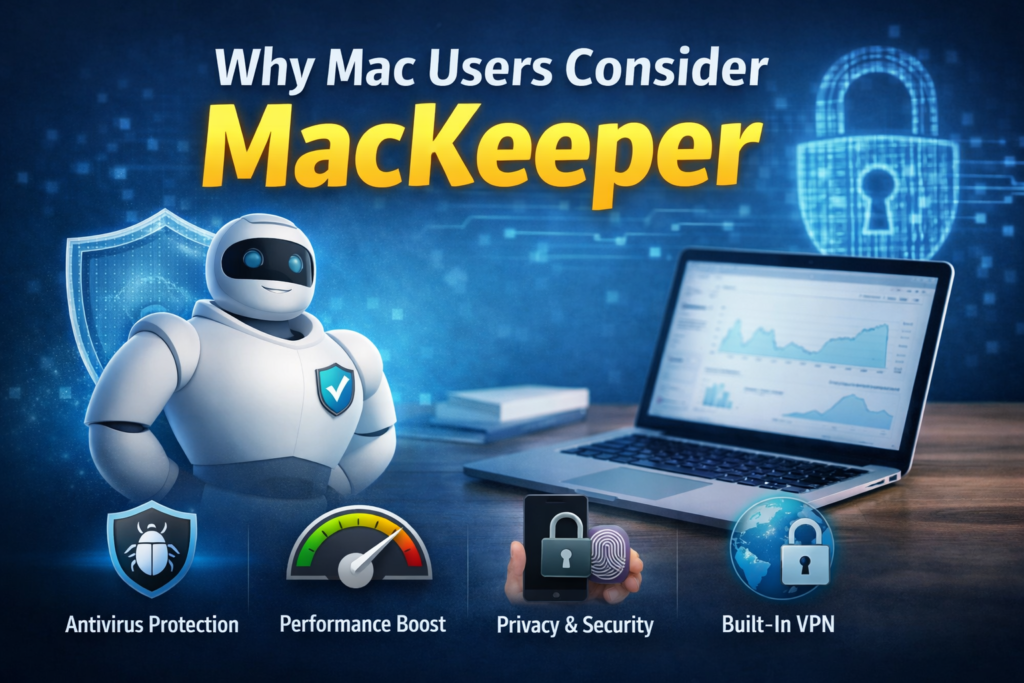
MacKeeper attracts users because it simplifies everything. Instead of installing separate tools, you get:
- Antivirus protection
- Performance optimization
- Built-in VPN
- Privacy monitoring
For beginners or non-tech-savvy users, this convenience is a huge advantage. It’s like having a digital caretaker for your Mac, constantly checking its health and safety.
Brief History of MacKeeper
MacKeeper has had a controversial journey since its launch in 2010. Initially developed by ZeoBIT and later acquired by Kromtech, the software faced criticism for aggressive advertising and being flagged as potentially unwanted software in earlier versions.
However, things changed significantly after Clario Tech took over. The company revamped its policies, improved transparency, and focused heavily on security compliance. Today, MacKeeper is Apple-notarized, meaning it has passed Apple’s security checks for malware and integrity.
This transformation is important because many users still judge MacKeeper based on its past reputation. Think of it like a rebranded company trying to rebuild trust—it takes time, but improvements can’t be ignored.
Key Features of MacKeeper
Security and Antivirus Protection
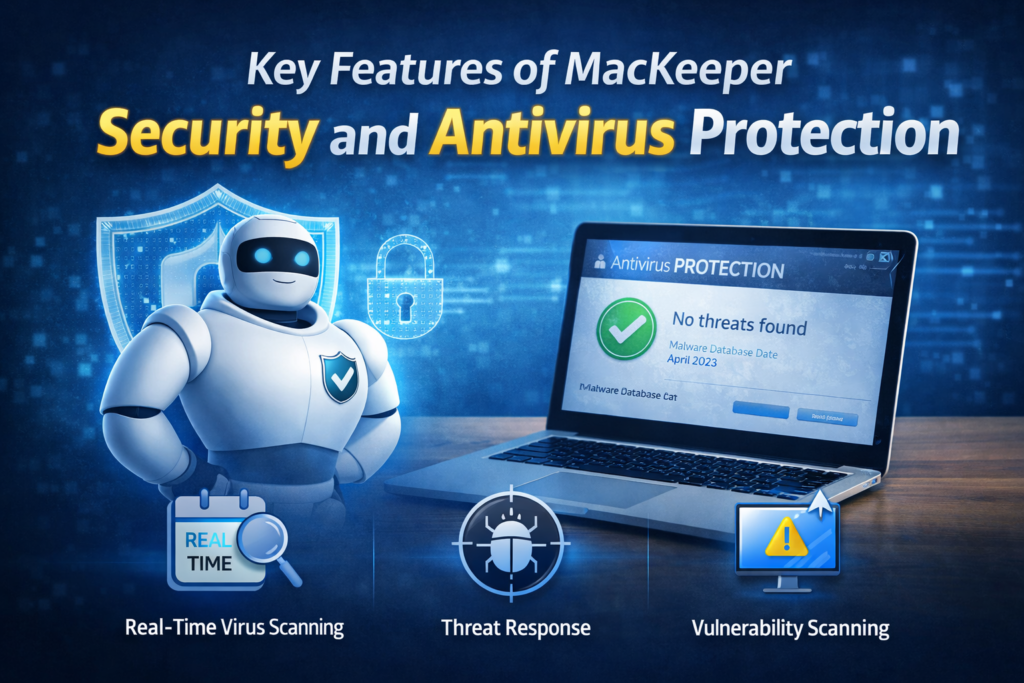
At its core, MacKeeper provides real-time antivirus protection, scanning your system for malware, spyware, and potential threats. It also includes vulnerability scanning and threat response tools, ensuring your Mac stays protected against evolving cyber risks.
The software continuously monitors your system in the background, which means you don’t have to manually run scans all the time. This is especially useful if you’re someone who forgets routine maintenance.
However, it’s worth noting that MacKeeper does not include a built-in firewall, which some competitors offer.
Performance Optimization Tools
MacKeeper shines when it comes to cleaning and optimization. It helps remove:
- Junk files
- Cache data
- Duplicate files
- Unnecessary apps
This can free up storage and improve speed, especially on older Macs. The software also includes tools to monitor CPU usage and memory performance, giving you insights into what’s slowing your system down.
Many users report noticeable improvements in speed after cleanup, though results can vary depending on your system’s condition.
Privacy and VPN Features
Privacy is becoming a big concern in today’s digital world, and MacKeeper addresses this with:
- Built-in VPN
- ID theft monitoring
- Ad-blocking extensions
The VPN helps secure your internet connection, especially when using public Wi-Fi. Meanwhile, identity monitoring alerts you if your personal data appears in breaches.
This combination makes MacKeeper more than just a cleaner—it’s also a privacy-focused tool.
Additional Utilities
MacKeeper also includes several extra features that enhance its value:
- Software updater
- File shredder
- Duplicate finder
- 24/7 expert support chat
The live chat support is particularly interesting. You can directly connect with experts for help, which many users appreciate for troubleshooting issues quickly.
How MacKeeper Works
Installation and Setup Process
Getting started with MacKeeper is straightforward. You download the app, install it, and run an initial scan. Within minutes, it provides a detailed report of your system’s health.
The setup process is beginner-friendly, with clear instructions and minimal technical jargon. This makes it accessible even if you’re not tech-savvy.
User Interface and Dashboard
The interface is clean and modern, with a central dashboard showing your Mac’s status. A simple color-coded system (green for safe, red for issues) helps you understand your system at a glance.
Navigation is intuitive, allowing you to access different tools without confusion. This is one of MacKeeper’s strongest points—it doesn’t overwhelm users with complexity.
MacKeeper Pricing Plans (2026)
Subscription Options Explained
MacKeeper operates on a subscription model. Here’s a quick breakdown:
Plan | Price |
Monthly | $14.95/month |
Yearly | ~$4–6/month (billed annually) |
Family Plan | ~$4.47/month (3 Macs) |
There’s also a limited free trial, but full functionality requires a paid plan.
While the pricing may seem high compared to standalone antivirus tools, it includes multiple features, which can justify the cost for some users.
Pros and Cons of MacKeeper
Advantages
MacKeeper offers several benefits that make it appealing:
- All-in-one solution (security + optimization + privacy)
- Easy-to-use interface
- Real-time protection
- Built-in VPN
- 24/7 expert support
Disadvantages
Despite its strengths, there are some drawbacks:
- Higher pricing than competitors
- No firewall feature
- Past reputation issues
- Upselling complaints from some users
Is MacKeeper Safe to Use?
Apple Notarization and Security Checks
One of the biggest concerns people have is safety. The good news is that MacKeeper is now Apple-notarized, meaning it has been verified for malware-free distribution and security compliance.
This is a strong indicator that the software is legitimate and safe to install.
Past Controversies and Current Reputation
Let’s be honest—MacKeeper’s past still raises eyebrows. Earlier versions were criticized for aggressive marketing and questionable practices.
But today, the software has improved significantly. Reviews suggest that while skepticism remains, the product itself has evolved into a reliable tool.
So, is it safe? Yes. Is it perfect? Not quite.
Real User Reviews and Feedback
User feedback is mixed but leans positive overall. Many users praise:
- Helpful customer support
- Easy setup
- Effective cleanup tools
At the same time, some complaints include:
- Difficulty canceling subscriptions
- Upselling tactics
This balance of opinions suggests that while MacKeeper delivers value, it’s important to understand what you’re signing up for.
MacKeeper vs Competitors
Feature | MacKeeper | Typical Antivirus |
Antivirus | Yes | Yes |
VPN | Yes | Sometimes |
Cleanup Tools | Yes | No |
Price | Higher | Lower |
All-in-One | Yes | No |
MacKeeper’s biggest advantage is convenience, while competitors often offer better value for specific features.
Who Should Use MacKeeper?
MacKeeper is ideal for:
- Beginners who want an all-in-one solution
- Users with slow or cluttered Macs
- People concerned about privacy and security
However, advanced users might prefer specialized tools for better control and cost efficiency.
Conclusion
MacKeeper has come a long way from its controversial beginnings. Today, it’s a legitimate, Apple-notarized softwareoffering a wide range of features for Mac users. While it may not be perfect, it provides a convenient and effective solution for maintaining your Mac’s health and security.
The key takeaway? MacKeeper is safe to use—but whether it’s the right choice depends on your needs, budget, and expectations.
Frequently Asked Questions
Yes, MacKeeper is now Apple-notarized and follows modern security standards, making it safe for Mac users.
No, it’s designed to improve performance by removing junk files and optimizing resources.
It offers limited free features, but full functionality requires a paid subscription.
Yes, it follows strict privacy policies and has improved transparency under Clario Tech.
It depends—MacKeeper offers more features, but dedicated antivirus tools may provide better value for security alone.
Table of Contents
Popular Posts

-
 Affordable Technical SEO Audit for Small Business: A Complete Guide26 Jun 2025 Blog
 -
 How to Get an Affordable Technical SEO Audit for Small Business27 Jun 2025 Blog
 -
 The Ultimate Local SEO Audit Checklist for Startups28 Jun 2025 Blog
 -
 Local SEO Audit Checklist for Startups: A Beginner’s Guide28 Jun 2025 Blog
 -
 Top On-Page SEO Audit Steps for Service Websites Every Business Should Know29 Jun 2025 Blog
 -
 The Impact of On-Page SEO Audit Steps for Service Websites on UX01 Jul 2025 Blog
 -
 Technical SEO for WordPress: The Ultimate Beginner’s Guide01 Jul 2025 Blog
 -
 Technical Mobile SEO Audit Tips for Developers02 Jul 2025 Blog
Related Post