
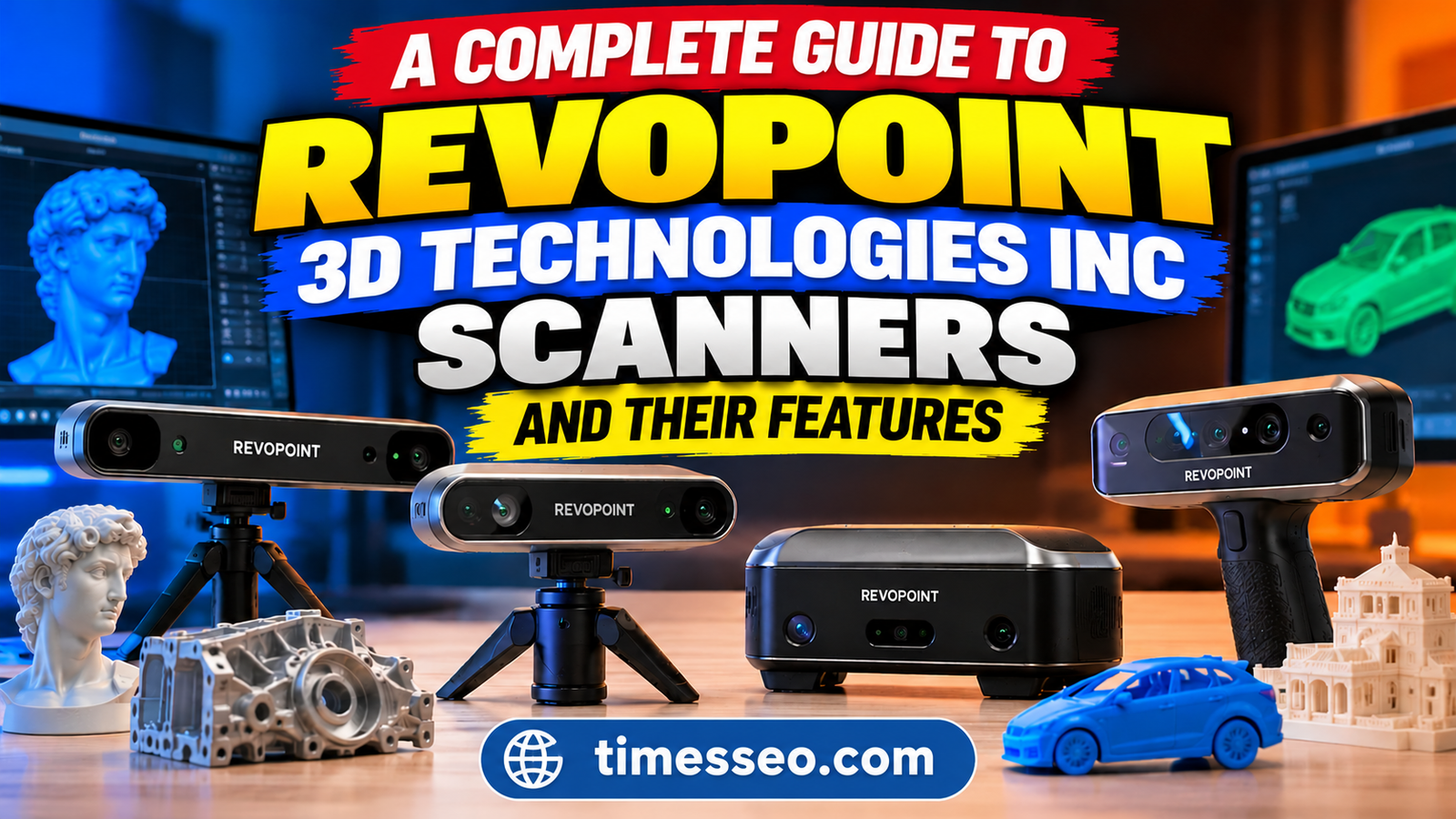
A Complete Guide to Revopoint 3D Scanners and Their Features

Explore our complete guide to Revopoint 3D scanners and their features. Discover the different scanner models, advanced scanning technologies, key benefits, and practical applications in 3D printing, product design, and reverse engineering. Learn how Revopoint 3D Technologies Inc helps users transform physical objects into detailed digital 3D models and choose the right scanner for their needs.
Table of Contents
Introduction to Revopoint 3D Scanners
3D scanning has become an important technology for designers, engineers, manufacturers, and hobbyists. It allows users to capture the shape and details of physical objects and convert them into digital 3D models. Whether you want to recreate a small mechanical part, design a custom product, or preserve a detailed object, a 3D scanner can make the process easier.
Revopoint 3D scanners offer different solutions for personal projects, product design, reverse engineering, and professional measurement. The company provides scanners designed for small objects, medium-sized components, and larger items such as furniture and vehicles. Some models focus on portability, while others offer specialized scanning technology for detailed measurements.
Choosing the right scanner depends on your project requirements, budget, object size, and desired accuracy. Understanding the available models and their features can help you make a better decision.
How Revopoint 3D Scanners Work
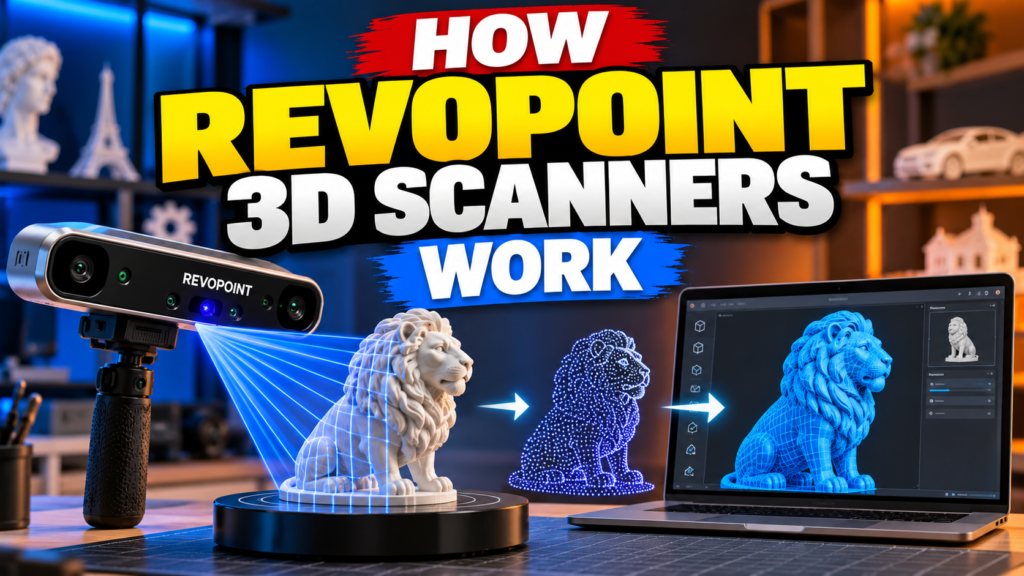

A 3D scanner captures information about an object’s surface and uses that data to create a digital representation. Depending on the model, the scanner may use structured light, infrared technology, or laser lines to collect surface information.
During scanning, the device captures multiple views of the object. Its software combines these views to generate a 3D point cloud or mesh. The resulting model can then be processed, edited, exported, and used in compatible design or manufacturing applications.
Understanding 3D Scanning Technology
Revopoint scanners use different scanning technologies for different purposes.
- Structured light scanning projects a pattern onto an object’s surface and captures how that pattern changes across its shape. This information helps the scanner reconstruct the object’s geometry.
- Laser scanning uses laser lines to capture surface details. Depending on the model, this technology can be suitable for detailed mechanical parts and professional measurement tasks.
- Infrared scanning uses infrared light to capture object geometry. It can be useful for general-purpose scanning, including creative projects and capturing larger shapes.
Not every scanner supports every technology. Some models combine multiple scanning methods, allowing users to select a suitable mode for different objects.
Key Features of Revopoint 3D Scanners
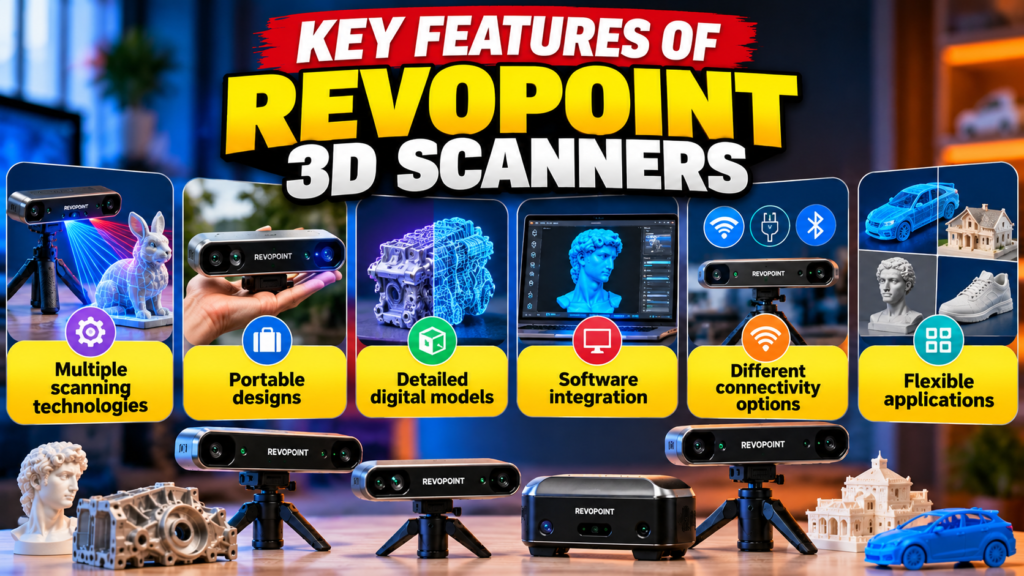
Multiple scanning technologies: Depending on the model, users can choose between structured light, infrared methods, and laser scanning. This flexibility helps accommodate different object sizes and surface characteristics.
Portable designs: Many models are compact enough to transport between workspaces. Standalone scanners offer additional convenience by allowing scanning and processing directly on the device.
Detailed digital models: Scanner specifications determine the level of detail that can be captured. Higher-detail scanning can be valuable for small components, intricate designs, and product development.
Software integration: Compatible Revopoint software supports scanning, point-cloud processing, model alignment, and mesh generation. These functions help turn captured data into usable digital models.
Different connectivity options: Depending on the scanner, users may have access to USB or wireless connections. Check the specific model’s requirements to ensure it works with your preferred computer or mobile device.
Flexible applications: From hobby projects to industrial inspection, the product range offers options for users with different technical needs.
Popular Revopoint 3D Scanner Models
Revopoint offers several scanner series, each designed for different applications. Its current product range includes the POP 4, POP 3 Plus, MINI 2, INSPIRE 2, MIRACO Plus, MetroX series, MetroY series, and RANGE 3 series, among other models.
Here is a quick comparison of selected scanners.
Scanner | Main Purpose | Key Feature |
POP 4 | General-purpose scanning | Multiple scanning modes |
POP 3 Plus | Portable object scanning | Detailed scanning with improved tracking features |
MINI 2 | Small objects | Blue-light scanning |
INSPIRE 2 | Everyday scanning projects | Infrared laser and structured-light options |
MIRACO Plus | Portable professional scanning | Standalone operation and photogrammetric measurement capabilities |
MetroX Series | Precision-oriented scanning | Laser and structured-light technology |
MetroY Series | Professional measurement | Blue-laser scanning options |
RANGE 3 Series | Large objects | Long-range scanning capabilities |
Portable Scanners for Everyday Projects
Portable scanners are useful for people who need flexibility and convenience. They can be used in workshops, studios, classrooms, and other environments where moving objects to a fixed scanning station may not be practical.
The Revopoint POP 3 Plus is designed for portable scanning and detailed object capture. It includes optical improvements and tracking features intended to support more stable scanning results.
The Revopoint INSPIRE 2 is another option for users exploring 3D scanning for creative projects, product design, and 3D printing. Its infrared laser and structured-light capabilities provide different scanning options depending on the task.
For larger objects, the Revopoint RANGE 3 series is designed to capture items such as furniture, vehicle components, and other large surfaces. Its scanning range makes it more suitable for these projects than scanners intended mainly for tiny objects.
When comparing portable scanners, consider their weight, connection options, power requirements, supported object sizes, and software compatibility.
Professional Scanners for Precision Work
Professional users often require detailed surface information and reliable measurements. In these situations, a scanner’s technology, calibration, tracking method, and volumetric accuracy become especially important.
The Revopoint MetroX series combines multi-line laser scanning with full-field structured-light scanning. Depending on the model and scanning mode, it can be used for mechanical components, product inspection, and reverse-engineering tasks.
The MetroY series offers professional blue-laser scanning options for small and medium-sized workpieces. The MetroY Pro adds full-field structured-light functionality to its laser scanning capabilities.
The MIRACO Plus is designed for users who want a standalone scanning solution. It combines scanning and onboard processing, reducing the need to connect a computer throughout the entire workflow.
These models serve different purposes, so professional buyers should compare their accuracy specifications, scanning modes, software tools, and measurement requirements before deciding.
Advantages and Limitations of Revopoint 3D Technologies Inc
Advantages
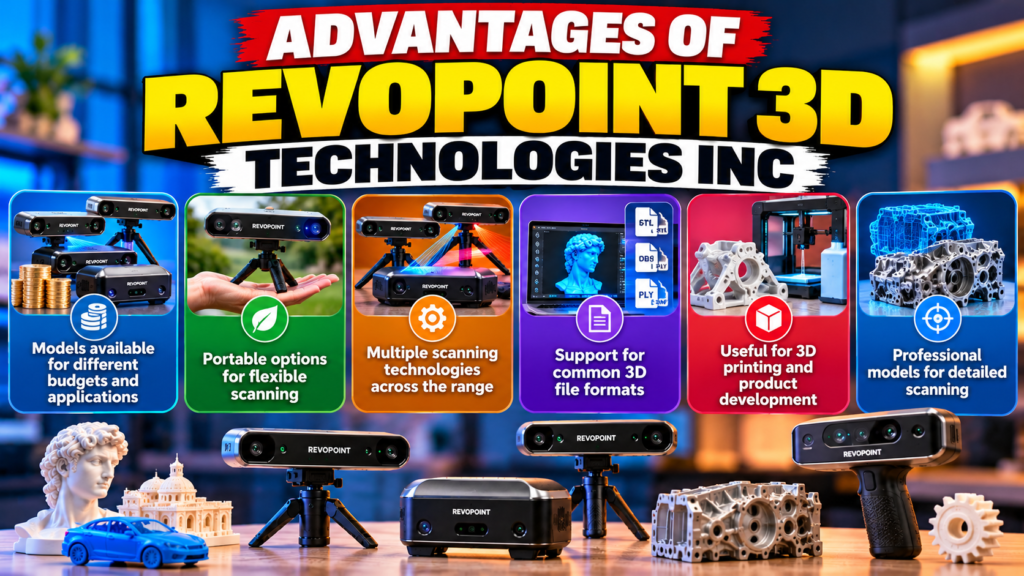
- Models available for different budgets and applications
- Portable options for flexible scanning
- Multiple scanning technologies across the range
- Support for common 3D file formats
- Useful for 3D printing and product development
- Professional models for detailed scanning
Limitations
- Choosing the right model requires research
- Some workflows require a connected computer
- Individual models have different capabilities
- Export options depend on software compatibility
- Some surfaces require preparation
- Advanced equipment can cost significantly more
Understanding Scanning Accuracy and Speed
Accuracy and speed are two important factors when choosing a 3D scanner. However, they measure different things.
Accuracy describes how close a measurement is to the actual value. Precision describes how closely repeated measurements agree with one another. A scanner can produce consistent measurements without necessarily matching the true dimensions perfectly.
Scanning speed indicates how quickly a device captures surface data. Faster scanning can save time, especially when working with large objects or multiple components. However, scanning speed alone does not guarantee a better model.
Other factors also affect results, including object size, surface reflectivity, lighting conditions, tracking stability, and calibration. Highly reflective, transparent, or very dark surfaces may require special preparation.
Always review the manufacturer’s stated specifications for the particular scanner and mode you intend to use.
Also Read
Creating a Mobile-Friendly Business Website Made Simpler With Weblium.com
A Complete Guide to Smart Security Products From eufy | Fantasia Trading LLC
Discover Your Ancestral Roots and Family Connections Using MyHeritage
Elevate Your Makeup Routine With High-Quality Beauty Tools From Luxie
Best Styling Tips for Achieving Smooth and Voluminous Looks with IGK Hair
Software and File Compatibility
A scanner becomes more useful when its software can transform captured data into a model that works with your existing tools.
Revopoint’s scanning software supports tasks such as data capture, point-cloud processing, model alignment, and mesh generation. Supported operating systems and scanner compatibility vary between software versions, so confirm these details before installing or purchasing equipment.
Common export formats across compatible Revopoint models include:
- STL: Commonly used for 3D printing.
- OBJ: Useful for 3D models and texture-related workflows.
- PLY: Supports point-cloud and mesh data.
- 3MF: Designed to store 3D-printing model information.
- ASC: Used for certain point-cloud data workflows.
Not every format is supported by every scanner or software version. Check the relevant specifications before planning a professional workflow.
Applications of Revopoint 3D Scanners
Revopoint scanners can support many practical applications.
In 3D printing, scanning helps users recreate physical objects or create replacement parts. The resulting model may need editing before it is ready to print.
In product design, designers can capture existing products and use the resulting data as a reference for developing new designs. This can reduce the time required to recreate complex shapes manually.
In reverse engineering, engineers can scan components to understand their geometry and build digital models for further analysis. The suitability of a scanner depends on the dimensional tolerances involved.
In automotive projects, scanning can help capture body panels, interior components, and mechanical parts. Large-object scanners may be more practical for vehicles, while precision-oriented models may suit smaller components.
Other applications include art preservation, education, custom manufacturing, and digital content creation. The best results come from matching the scanner to the object’s size, surface, and required level of detail.
How to Choose the Right Revopoint Scanner
Start by identifying the objects you intend to scan. Small items such as jewelry, miniatures, and tiny mechanical parts may benefit from the MINI 2. General-purpose users can explore the POP series, while those scanning larger objects may prefer the RANGE series.
Next, consider your required accuracy. If you need detailed measurements for engineering work, compare the relevant accuracy specifications rather than relying only on marketing descriptions.
Your budget also matters. Remember to account for compatible software, accessories, calibration equipment, and any additional tools required for your workflow.
Finally, check operating-system compatibility, connectivity, export formats, and customer support. A scanner that fits your workflow will usually be more useful than one with impressive specifications that you rarely need.
Tips for Better Scanning Results
Preparing your object properly can improve the scanning process. Begin by cleaning the surface and selecting a suitable scanning environment. Avoid direct sunlight when the scanner’s instructions recommend controlled lighting.
Move the scanner steadily around the object and maintain an appropriate working distance. Sudden movements can interrupt tracking and create gaps in the captured data.
If the object has a reflective or transparent surface, check whether a compatible scanning spray is recommended. Use only suitable products and follow the manufacturer’s guidance.
After scanning, inspect the model for missing areas, unwanted noise, or alignment problems. Process the data carefully before exporting it to your preferred 3D application.
Conclusion
Revopoint 3D scanners provide options for hobbyists, designers, engineers, and professional users. Their product range covers small-object scanning, general-purpose applications, large-object capture, and precision-focused workflows.
The best choice depends on your intended application, object size, accuracy requirements, budget, and preferred software. Portable scanners are convenient for everyday projects, while specialized professional models may be more appropriate for detailed measurement and inspection.
Before buying, compare current specifications and confirm that the scanner supports your workflow. With suitable equipment, careful preparation, and practice, a Revopoint 3D scanner can help turn real-world objects into useful digital models.
Frequently Asked Questions
Revopoint 3D scanners capture the shape and surface details of physical objects and convert them into digital 3D models. They can be used for 3D printing, product design, reverse engineering, education, and other creative or professional applications.
The Revopoint MINI 2 is designed for small objects such as jewelry, miniatures, and small mechanical components. However, the best choice depends on the object's size, surface, and required accuracy.
Yes. Compatible scanners and software can create 3D models that can be exported in formats such as STL or 3MF. Some models require additional editing or mesh repair before printing.
Not all models require a computer throughout the scanning process. The MIRACO series offers standalone operation, while other scanners may need a compatible computer or mobile device. Check the requirements for your chosen model.
Consider the size of your objects, required accuracy, scanning technology, portability, software compatibility, and budget. Compare the manufacturer's current specifications to find a scanner that suits your specific needs.
Table of Contents
Popular Posts

-
 Affordable Technical SEO Audit for Small Business: A Complete Guide26 Jun 2025 Blog
-
 How to Get an Affordable Technical SEO Audit for Small Business27 Jun 2025 Blog
-
 The Ultimate Local SEO Audit Checklist for Startups28 Jun 2025 Blog
-
 Local SEO Audit Checklist for Startups: A Beginner’s Guide28 Jun 2025 Blog
-
 Top On-Page SEO Audit Steps for Service Websites Every Business Should Know29 Jun 2025 Blog
-
 The Impact of On-Page SEO Audit Steps for Service Websites on UX01 Jul 2025 Blog
-
 Technical SEO for WordPress: The Ultimate Beginner’s Guide01 Jul 2025 Blog
-
 Technical Mobile SEO Audit Tips for Developers02 Jul 2025 Blog
Related Post