
MYOB: Complete Accounting Software Guide for Businesses
Discover everything you need to know about MYOB in this complete accounting software guide. This blog post explains key features, pricing, benefits, and comparisons to help businesses choose the right financial management solution. Whether you’re a beginner or a growing company, learn how MYOB can simplify accounting, automate tasks, and improve financial control.
Table of Contents
What is MYOB Accounting Software?
Let’s be honest—managing business finances can feel like trying to juggle flaming torches while riding a bicycle. That’s exactly where MYOB (Mind Your Own Business) steps in. It’s a powerful accounting software designed to simplify financial management for businesses of all sizes. Whether you’re a freelancer, startup founder, or managing a growing enterprise, MYOB helps you stay on top of your finances without drowning in spreadsheets.
Originally developed in Australia, MYOB has evolved into one of the most trusted accounting platforms, especially in regions like Australia and New Zealand. Since its launch in 1991, it has continuously adapted to modern business needs by integrating cloud computing, automation, and AI-driven features.
Who Uses MYOB?
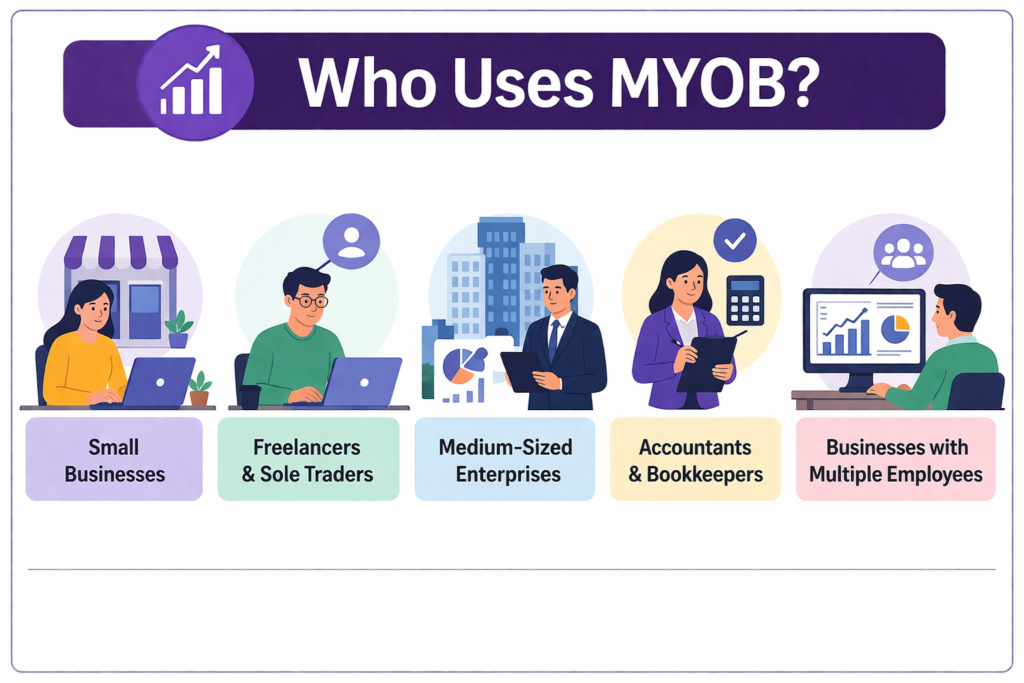

MYOB is widely used by:
- Small businesses and startups
- Freelancers and sole traders
- Medium-sized enterprises
- Accountants and bookkeepers
It supports businesses ranging from individual entrepreneurs to companies with hundreds of employees.
History and Background of MYOB
MYOB started as a desktop-based accounting tool but has transitioned into a cloud-first platform. Today, it offers hybrid solutions that combine both desktop and cloud capabilities, giving businesses flexibility in how they operate. This evolution reflects the changing demands of businesses that need real-time access to financial data.
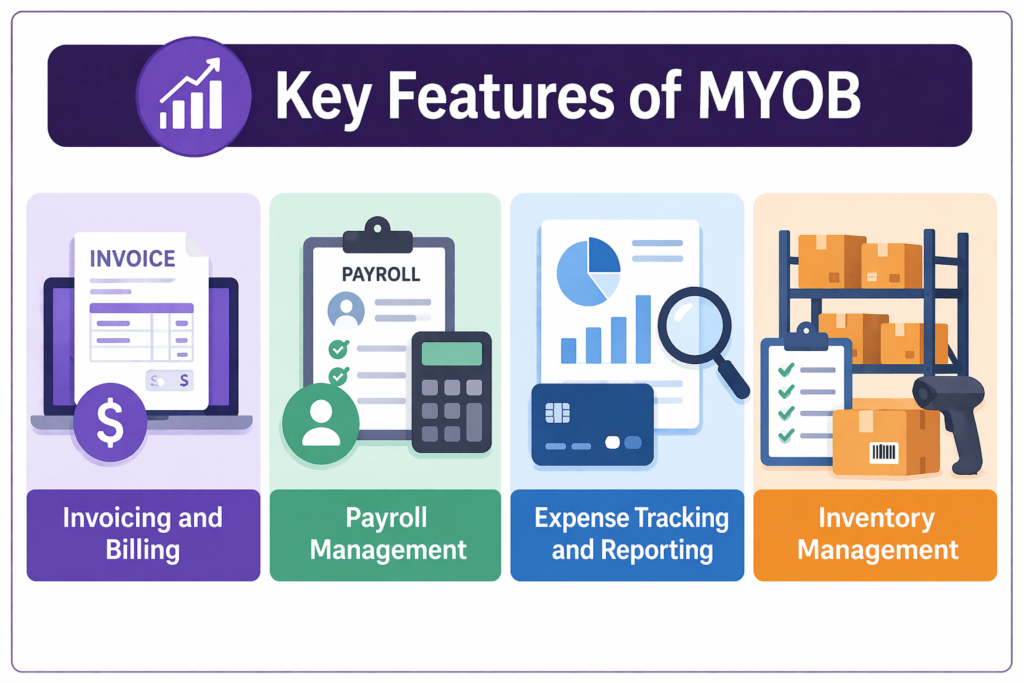
Key Features of MYOB
Invoicing and Billing
Imagine being able to create professional invoices in seconds and send them instantly to clients. That’s exactly what MYOB offers. It allows you to generate unlimited invoices, customize templates, and even automate recurring billing.
With built-in payment integration, customers can pay directly from the invoice, reducing delays and improving cash flow. MYOB also tracks invoice status, so you always know who has paid and who hasn’t.
Payroll Management
Payroll can be a nightmare—calculating salaries, taxes, and compliance requirements manually is both time-consuming and error-prone. MYOB simplifies this process with automated payroll features, including tax calculations and employee onboarding tools.
It also supports compliance with government regulations like Single Touch Payroll (STP), ensuring your business stays legally compliant.
Expense Tracking and Reporting
Tracking expenses manually is like trying to remember every drop of water in a rainstorm—it’s nearly impossible. MYOB automates expense tracking by connecting to your bank accounts and categorizing transactions in real time.
You also get access to detailed financial reports, including profit and loss statements, cash flow analysis, and balance sheets. These insights help you make smarter business decisions.
Inventory Management
For businesses dealing with products, MYOB’s inventory management is a game-changer. It tracks stock levels, manages suppliers, and even supports multi-location inventory tracking.
This ensures you never run out of stock or over-purchase items, helping maintain a healthy balance between supply and demand.
MYOB Pricing Plans (2026 Updated)
Overview of Pricing Tiers
MYOB offers flexible pricing plans based on business size and needs. As of 2026, pricing typically ranges from around $10 to $150 per month, depending on features and scale.
Some common plans include:
- Lite Plan – Basic accounting features
- Pro Plan – Advanced reporting and integrations
- AccountRight Plus – Inventory and payroll
- Premier Plan – Multi-currency and enterprise features
Entry-level plans can start around $30/month, while more advanced setups can reach $90+ per month.
Cost Comparison Table
Plan | Starting Price (Approx) | Best For | Key Features |
Lite | $30/month | Small businesses | Invoicing, expense tracking |
Pro | $55–$90/month | Growing businesses | Reporting, integrations |
AccountRight Plus | $100+ | Medium businesses | Inventory, payroll |
Premier | $150+ | Large businesses | Multi-currency, advanced tools |
Pricing may vary depending on region, promotions, and add-ons like payroll.
Benefits of Using MYOB for Businesses
Automation and Time Saving
Time is money, right? MYOB saves both. By automating repetitive tasks like invoicing, payroll, and expense tracking, it frees up valuable time for business owners to focus on growth.
Instead of spending hours reconciling accounts, MYOB does it in minutes. It’s like having a virtual accountant working 24/7.
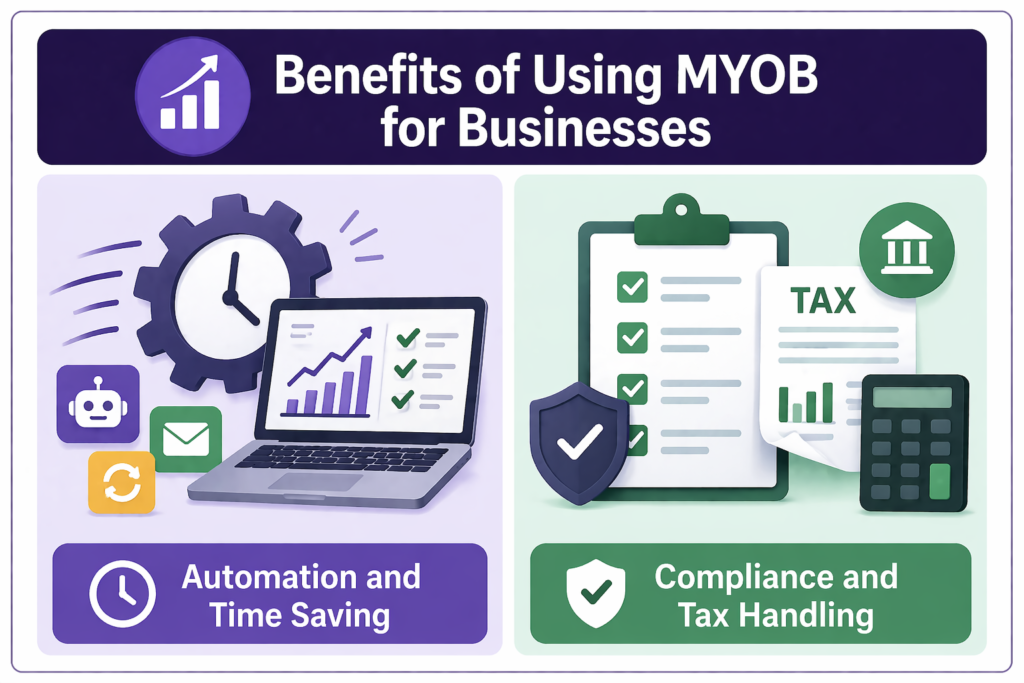
Compliance and Tax Handling
Tax compliance can be stressful, especially when regulations change frequently. MYOB simplifies this by automatically calculating taxes and generating reports required for compliance.
It ensures businesses meet regulatory requirements without hiring additional experts, making it particularly valuable for small businesses.
MYOB Pros and Cons
Advantages
- Easy-to-use interface
- Strong payroll and compliance features
- Scalable for growing businesses
- Cloud and desktop options
- Real-time financial insights
Limitations
- Can be expensive for small businesses
- Limited integrations compared to competitors
- Learning curve for beginners
- Customer support issues reported by some users
MYOB vs Competitors
MYOB vs Xero
MYOB and Xero are often compared because both target small to medium businesses. While Xero is known for its user-friendly interface and integrations, MYOB stands out with its strong payroll and compliance features.
MYOB is often preferred by businesses with complex payroll needs, while Xero is favored by startups looking for simplicity.
MYOB vs QuickBooks
QuickBooks is another major competitor. It offers a broader ecosystem and better integrations, but MYOB excels in local compliance and industry-specific solutions.
If your business operates in regions where MYOB is widely supported, it can be a better choice.
Also Read
AKKO: Complete Guide to Mechanical Keyboards and Accessories
Banggood: Complete Online Shopping Guide for Deals and Discounts
Manfrotto: The Best Camera Accessories for Professionals
World Of Warships: The Ultimate Naval Battle Experience
Kogan Australia Review: Deals, Quality & Customer Experience
How to Get Started with MYOB
Setup Process
Getting started with MYOB is straightforward:
- Choose a suitable plan
- Create an account
- Connect your bank accounts
- Set up invoices and payroll
- Start tracking transactions
The onboarding process is designed to be beginner-friendly, even for those with limited accounting knowledge.
Tips for Beginners
- Start with basic features before exploring advanced tools
- Use tutorials and guides provided by MYOB
- Regularly review financial reports
- Keep your data updated
Is MYOB Right for Your Business?
Best Use Cases
Conclusion
MYOB is more than just accounting software—it’s a complete financial management solution designed to simplify business operations. From invoicing and payroll to reporting and compliance, it covers every aspect of accounting with precision and efficiency.
While it may not be the cheapest option, its powerful features and reliability make it a strong contender in the accounting software market. If you’re looking for a tool that grows with your business, MYOB is a solid investment.
Frequently Asked Questions
Yes, MYOB offers plans specifically designed for small businesses, including basic invoicing and expense tracking features.
Yes, MYOB typically provides a free trial period for new users to test the software before committing.
Absolutely. MYOB includes advanced payroll features, including tax calculations and compliance tools.
Yes, MYOB offers cloud-based solutions as well as hybrid desktop-cloud options.
MYOB excels in payroll and compliance, while QuickBooks offers better integrations and a broader ecosystem.
Table of Contents
Popular Posts

-
 Affordable Technical SEO Audit for Small Business: A Complete Guide26 Jun 2025 Blog
 -
 How to Get an Affordable Technical SEO Audit for Small Business27 Jun 2025 Blog
 -
 The Ultimate Local SEO Audit Checklist for Startups28 Jun 2025 Blog
 -
 Local SEO Audit Checklist for Startups: A Beginner’s Guide28 Jun 2025 Blog
 -
 Top On-Page SEO Audit Steps for Service Websites Every Business Should Know29 Jun 2025 Blog
 -
 The Impact of On-Page SEO Audit Steps for Service Websites on UX01 Jul 2025 Blog
 -
 Technical SEO for WordPress: The Ultimate Beginner’s Guide01 Jul 2025 Blog
 -
 Technical Mobile SEO Audit Tips for Developers02 Jul 2025 Blog
Related Post